
At its core, access control is all about answering one simple, critical question: "Who belongs here, and who doesn't?"
Imagine getting a call about an unauthorized person on your property, a tenant raising a security concern, or a valuable tool vanishing from a construction site overnight. These headaches all point back to that fundamental question of who should and shouldn't have access.
The answer isn’t just about better locks. It's found in a well-designed access control system—a strategic foundation that helps prevent incidents before they start. This guide will break down the essential access control categories into straightforward, practical concepts, helping you build a truly secure and reassuring environment for your property.
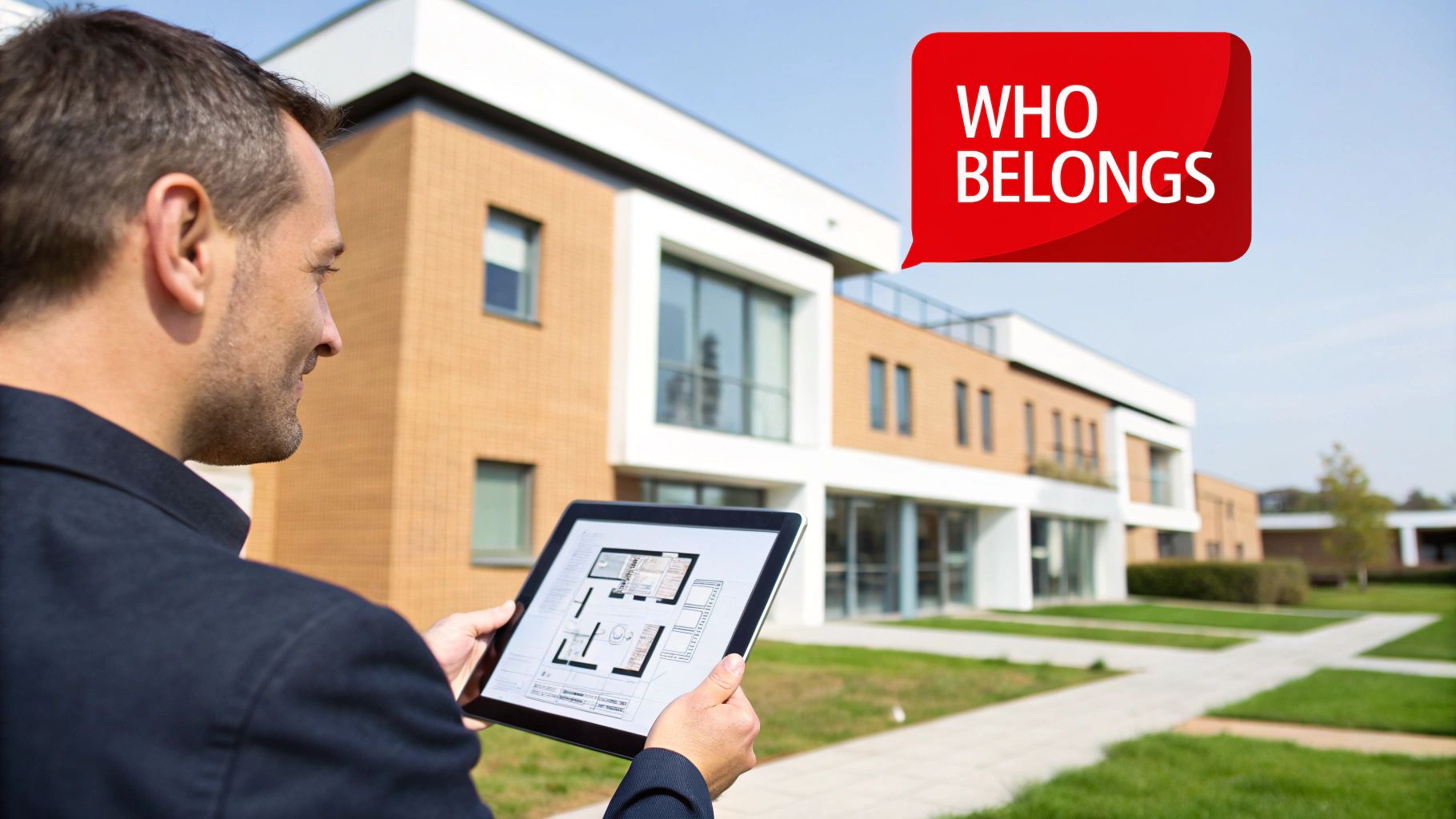
Why Understanding Access Categories Matters
We'll explore how different types of security work together to create a safer, more efficient property. Think of this as your roadmap to making smarter security decisions, whether you're managing a high-rise in Los Angeles or a residential community in San Diego. For any property manager, a solid grasp of these principles is key to mitigating risk.
It's a field that's growing for a reason. The global access control market was valued at around USD 10.76 billion in 2024 and is expected to hit USD 17.30 billion by 2030. This isn't just about spending money; it's about investing in peace of mind and tangible results. Modern systems have been shown to slash unauthorized entries by up to 70%. You can learn more about the access control market growth on Precedence Research.
Access Control At a Glance
Before we dive into the details, let's start with the two main pillars of access control. Understanding this core distinction is the first step in planning a complete security strategy for your site.
| Control Type | What It Protects | Common Examples |
|---|---|---|
| Physical Control | Protects tangible spaces like buildings, rooms, and secured areas. | Key card readers, security bollards, gate operators, biometric scanners. |
| Logical Control | Protects digital information and network systems. | Passwords, two-factor authentication, network firewalls. |
Think of Physical Control as the gatekeeper at the door, deciding who gets into the building. Logical Control, on the other hand, is the password that protects the files on the computer inside. For a complete security picture, you need both working in harmony.
Physical vs. Logical Access Control: What's the Difference?
When we talk about access control, we're really talking about two sides of the same security coin: the physical world and the digital one. It’s helpful to think of them as the foundational pillars holding up your entire security strategy.
Physical Access Control is exactly what it sounds like. It’s the gatekeeper for your real-world spaces—the lobbies, server rooms, parking garages, and offices. This is the security you can see and touch, like a sturdy lock on a door or a professional security officer at a front desk.
On the other hand, Logical Access Control is the gatekeeper for your digital world. It protects the things you can't physically touch but are just as valuable, like tenant databases, financial records, or your building’s management software. Think of it as the password protecting your most sensitive information.
For a property manager, this distinction is part of the daily routine. A key card reader at the main entrance? That's physical control. The password-protected portal tenants use to pay rent? That's logical control. One guards your space, the other guards your data. You can find a deeper dive into these concepts in our detailed guide on what access control means in security.
Securing Your Physical Perimeter
Your first line of defense is almost always strengthening your physical security. This means putting tangible, visible deterrents in place to stop unauthorized entry before anyone gets close. For example, learning about tools like security bollards for your driveway and other vehicle barriers can be a game-changer for protecting vulnerable entry points.
Common physical controls include:
- Gate Operators: These automated systems are the workhorses for managing vehicle access to parking lots or residential communities.
- Key Card/Fob Readers: Modern electronic systems that grant entry to authorized people at doors, elevators, and other checkpoints.
- Onsite Security Officers: Trained professionals who are invaluable for verifying identities and managing visitor check-ins.
- Biometric Scanners: Advanced systems that use fingerprints or facial recognition, typically reserved for high-security areas.
Protecting Your Digital Assets
While a locked door is easy to see, the invisible barriers protecting your data are just as critical. A logical security breach can be as devastating as a physical one, leading to data theft, financial loss, or significant operational disruption.
Logical controls are the unseen guardians of your property's digital ecosystem. They ensure that even if someone bypasses a physical barrier, they cannot access the critical information that lies within your network.
Truly effective logical security isn't about a single tool; it's about building layers of defense. This could include enforcing strong password requirements for management software, using two-factor authentication to access tenant records, and deploying firewalls to shield your network from outside threats.
These aren't separate ideas but interconnected parts of a complete security strategy. They must work together seamlessly to protect your property and data from every angle. At Overton Security, we know that a truly secure property integrates a strong physical presence with smart, robust digital protocols.
Breaking Down the Four Core Authorization Models
Once you've distinguished between securing physical doors (physical access) and protecting digital data (logical access), the next step is to understand the "rules" that govern who gets in and who doesn't. In the security world, these are called authorization models. Think of them as the operating system for your security setup; they are the logic that decides if a keycard swipe or password entry is approved or denied.
Getting this right is a significant win for property managers. If your system is too relaxed, you leave the door open to risks. If it's too strict, you create ongoing headaches for your staff, tenants, and visitors. Knowing these four main approaches will help you select a system that fits your building’s needs perfectly.
The infographic below shows how these models fit into the two main categories of access control.
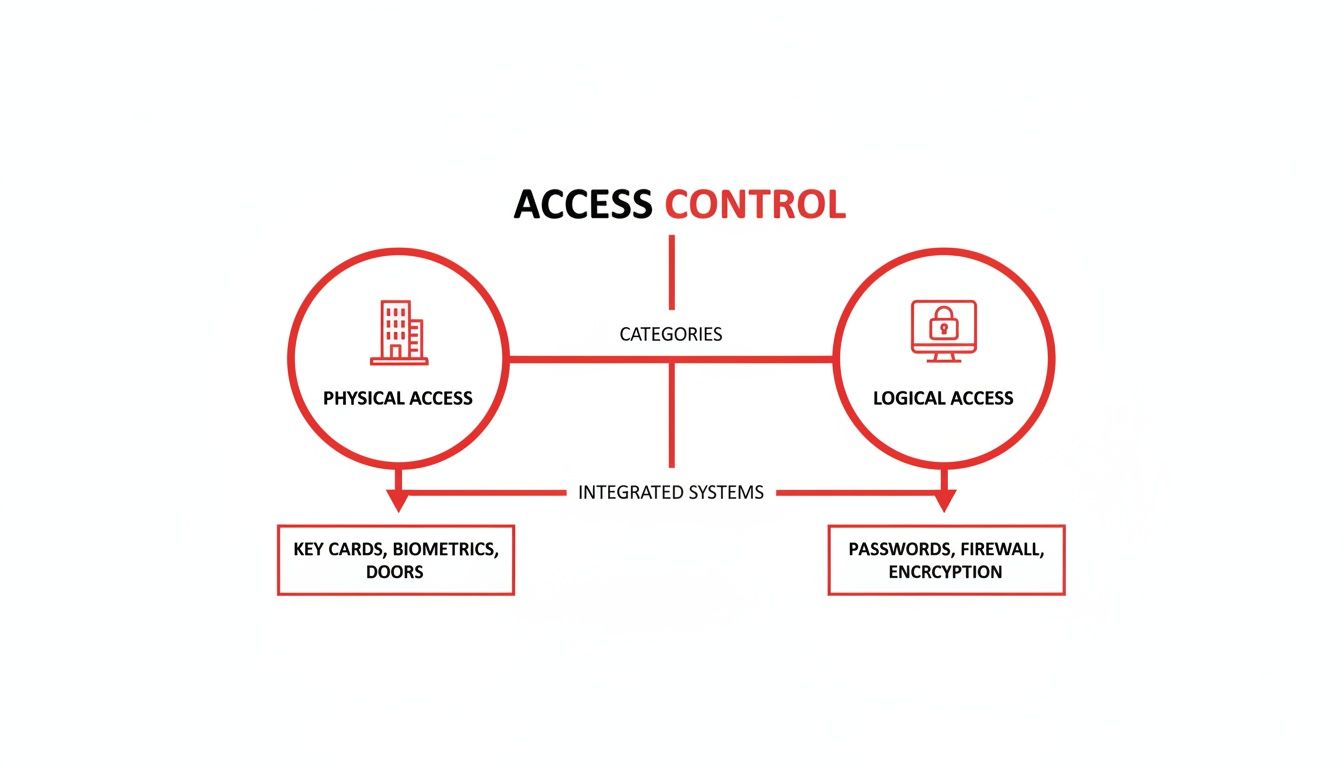
As you can see, both physical and logical security are two sides of the same coin. A solid security strategy needs both, and these authorization models are what make them work.
Discretionary Access Control (DAC)
First up is Discretionary Access Control (DAC), which is the most flexible model. With DAC, the owner of an asset—whether it's a specific office or a shared document—gets to decide who else can access it. They have total discretion.
It's like giving a spare key to your house to a trusted friend. You, the owner, decide who gets a key and what they can access. This is practical for small-scale situations, but it can quickly become difficult to manage in a large apartment complex or office building where many different permissions are needed.
Mandatory Access Control (MAC)
On the opposite end of the spectrum is Mandatory Access Control (MAC). This is the most rigid and locked-down model. In a MAC system, a central authority defines strict, system-wide rules that users cannot override. Access is granted based on security clearances and data classifications.
Think of a secure government facility. A soldier's rank and clearance level dictate which areas they can enter—no exceptions. While MAC offers top-tier security, it’s usually too restrictive for commercial or residential properties that need operational flexibility.
Role-Based Access Control (RBAC)
Now we get to Role-Based Access Control (RBAC), which is by far the most popular and practical model for business and property management. Here, you don't assign permissions to individual people. Instead, you assign them to job roles.
For instance, everyone with the "Property Manager" role gets access to the main office, utility closets, and the server room. The "Tenant" role gets access to the main entrance, gym, and their own apartment. When a new assistant manager starts, you simply assign them the "Property Manager" role, and they instantly get all the right permissions.
This method makes administration much simpler and more consistent. It reduces human error and makes it easy to update access when people change jobs or leave the company. For a more in-depth look at how RBAC fits into the bigger picture, you can explore the different types of access control systems in our comprehensive guide.
Attribute-Based Access Control (ABAC)
Finally, there's Attribute-Based Access Control (ABAC), the most dynamic and fine-tuned model. ABAC makes access decisions on the fly by looking at a mix of attributes—details about the user, the resource they want to access, what they're trying to do, and even the current environment.
Imagine a contractor needing access to a construction site. An ABAC system could enforce a rule like this: grant access only if:
- The user's attribute is "Certified Plumber."
- The time attribute is between 7 AM and 4 PM on a weekday.
- Their location attribute (from their phone's GPS) confirms they are physically on-site.
This level of granular control is ideal for complex sites with constantly shifting security needs.
To make it even clearer, here’s a quick table comparing these four models side-by-side.
Comparing Access Control Authorization Models
| Model | Core Principle | Best Use Case | Level of Control |
|---|---|---|---|
| DAC | The resource owner decides who gets access. | Small offices, personal files, simple environments. | Low (Decentralized) |
| MAC | A central authority sets system-wide rules based on classifications. | Military, government, and high-security data centers. | High (Centralized & Rigid) |
| RBAC | Access is based on a person's job function or role. | Most businesses, commercial properties, and residential buildings. | Medium (Centralized & Scalable) |
| ABAC | Access is based on dynamic rules and multiple attributes (user, time, location). | Complex, dynamic environments like healthcare, finance, or large-scale construction. | Very High (Granular & Flexible) |
By understanding these fundamental models, you’re in a much better position to assess what you really need and find a security partner who can deliver the right solution for your property.
Choosing the Right Authentication for Your Property
Once you've mapped out who is allowed where, the next step is figuring out how they prove they are who they say they are. This is called authentication, and it’s the hands-on, real-world side of your access control system. These are the tools—the fobs, scanners, and apps—that your tenants, employees, and visitors will use every single day.
Picking the right method is an important decision. It directly impacts both your property's security and its user experience. A system that works well for a busy commercial tower in Los Angeles might be impractical for a construction site in Fresno. The goal is to strike the right balance between robust security and everyday convenience.
There is no single best solution. Your choice should be a careful reflection of your property's daily operations, specific risks, and budget.
Comparing Common Authentication Methods
Every type of authentication has its own set of pros and cons. Let's break down the most common options property managers encounter, so you can get a better feel for what might fit your environment.
Traditional Key Cards and Fobs: These are an industry standard for good reason. They are cost-effective to issue, people know how to use them, and you can instantly deactivate a lost card. The main drawback? They can be lost, stolen, or shared, creating a security gap until you are notified.
Biometric Scanners (Fingerprint/Facial Recognition): Biometrics increase security significantly because they verify something unique to a person—you can't "lose" or "forget" your fingerprint. This makes them ideal for high-value areas like server rooms. The trade-offs are the higher initial cost and the critical need to manage user data privacy with care.
Mobile Credentials: This modern approach turns a person's smartphone into their key using Bluetooth or NFC. It’s incredibly convenient—most people always have their phone with them. As an administrator, you can grant or revoke access remotely in real-time, which is a huge operational advantage. The main challenge is ensuring everyone is comfortable using their personal device for access.
A core principle here is to match the technology to the environment. A bustling corporate office benefits from the efficiency and modern feel of mobile access, while a residential community might find that the simple reliability of key fobs meets their needs perfectly.
Making the Right Choice for Your Site
So, how do you decide? Start by thinking about the daily rhythm of your property. For a Class A office building aiming for a premium tenant experience, frictionless mobile credentials offer a modern, high-tech feel. For an HOA managing a community pool, durable and waterproof key fobs are a far more practical and reliable choice for residents.
At Overton Security, we know technology is only one part of the security equation. With over 26 years of hands-on experience, we help clients walk through these choices every day. We don’t just install hardware; we integrate the right tools with our expert oversight to ensure your system delivers real security and genuine peace of mind.
How Professional Security Services Maximize Your System
An access control system is an excellent tool for managing who goes where, but its true power is unlocked when you pair it with expert human oversight. The system is great at generating critical alerts—a door forced open, an invalid credential used after hours—but the most important question is what happens next.
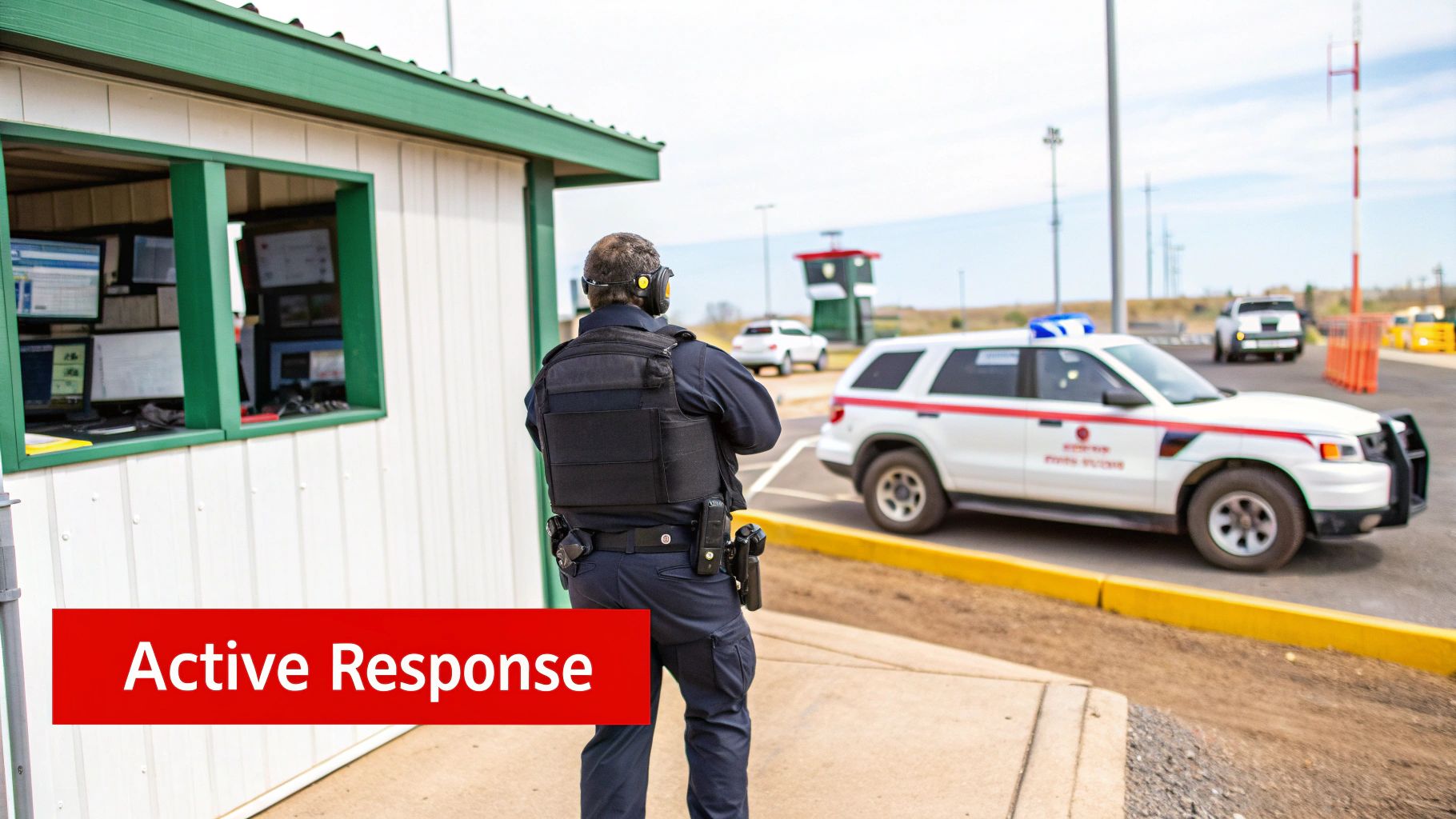
That's where a dedicated security partner turns technology from a passive tool into an active defense. The alerts from your system are just data points until a trained professional interprets them and takes decisive action. This is the crucial link that prevents a minor alert from becoming a major incident.
From Digital Alert to Decisive Action
At Overton Security, we bridge the gap between technology and reality. Our 24/7 Security Operations Center (SOC) acts as the nerve center for your property’s protection. It's staffed by professionals who don’t just see an alert—they understand its context and initiate an immediate, appropriate response.
An access control system can tell you a door was breached at 2 AM. A professional security service dispatches a mobile patrol unit to investigate, document the scene, and secure your property within minutes.
This integration of human expertise is what makes your security investment so effective. Our onsite security officers become the human face of your technology, managing visitor access, verifying credentials, and providing a reassuring, professional presence that technology alone cannot replicate. We ensure every alert from your system is met with a swift, accountable action.
The Overton Difference in Practice
With 26 years of experience, we have refined the process of blending technology with highly trained personnel. Here’s how our services enhance your access control system:
- Immediate Verification: When an alarm is triggered, our SOC can instantly pull up integrated camera feeds to visually confirm the threat, reducing false alarms and ensuring a rapid response to real incidents.
- Rapid Onsite Response: Our mobile patrol units are strategically positioned to respond to alerts, providing a visible security presence that deters further action and assesses any disturbance.
- Professional Onsite Management: Our security officers handle daily access tasks like visitor check-ins and credential verification, ensuring your system's rules are enforced consistently and professionally.
For businesses looking to fully secure their premises, understanding the role of professional commercial locksmith services is also vital for keeping physical access control robust. When you properly integrate these elements, you create layers of protection.
Ultimately, we turn system data into a responsive security environment. To learn more about how we blend technology with expert oversight, check out our detailed guide on the integration of security systems.
Your Evaluation Checklist for a New Access Control System
Choosing the right access control system is a significant investment that directly impacts your property's security and daily operations. To make a confident decision, it helps to look past sales pitches and ask strategic questions.
This checklist can guide your evaluation, ensuring the solution you choose is right for your long-term goals. Answering these questions will help you select a system that not only secures your property but also enhances its value.
Core System Capabilities
First, look at the fundamental features. A system might seem impressive on paper, but if it's not practical for your staff and tenants, it will cause more problems than it solves.
- Scalability: Can the system grow with your property? Think about future expansions or an increase in the number of users. You don't want to be locked into a system you'll outgrow.
- Integration: Will it work smoothly with the security cameras, alarm systems, and property management software you already have? A fragmented system creates operational blind spots.
- User Experience: How easy is it for both your administrators and end-users to use? A complicated interface often leads to frustration and risky workarounds.
An effective access control system should make your life easier, not more complicated. The goal is to find a solution that delivers reliable security without creating a heavy administrative burden for your team.
For a more detailed assessment, our team at Overton Security can help you navigate the different access control categories and find the perfect fit for your property's unique challenges.
We Get a Lot of Questions About Access Control
When property managers start exploring the world of access control, a few key questions always come up. It's a complex topic, so let's clarify some of the most common points.
Authorization vs Authentication
These two terms are often used interchangeably, but they are two distinct steps in the security process. Think of it this way: authentication is you proving who you are—like showing your driver's license. Authorization is the approved guest list that says whether your ID gets you into a specific area.
So, one step confirms your identity, and the next step determines what that identity grants you access to. A secure system needs both.
Can This Work with My Existing Security Cameras?
Absolutely, and it should. Integrating your access control system with your camera network is one of the smartest security moves you can make. When systems are integrated, our 24/7 Security Operations Center (SOC) can instantly pull up video footage linked to a specific access event.
This means when a door is opened, we don't just get a log entry—we get immediate visual confirmation of who walked through it. It makes investigating any incident faster and more accurate.
Integrating access control with surveillance isn't just a feature—it's a force multiplier for your security. It transforms passive data into actionable intelligence, allowing for faster, more confident responses.
How Do I Handle Temporary Visitors?
This is a common challenge, especially for busy construction sites or commercial properties with a constant flow of contractors and guests. The good news is that modern systems are built for this kind of flexibility.
You have several great options for managing temporary access without compromising security:
- Temporary Mobile Credentials: You can grant access directly to a contractor’s smartphone that is only valid for a specific window of time—say, Tuesday from 9 AM to 5 PM.
- Time-Restricted Key Cards: If you need to give a vendor a physical card, it can be programmed to automatically stop working after their job is done.
- Officer-Managed Check-In: For a more hands-on approach, an onsite security officer can manage a visitor log, personally vetting and logging everyone who needs temporary access.
These methods ensure the right people can get their work done efficiently while keeping your property secure.
At Overton Security, we specialize in designing and managing access control solutions that are matched to your property's unique demands. With our low manager-to-client ratio and hands-on leadership, we provide the consistent service you can rely on. If you're ready to build a smarter, more secure environment, explore our comprehensive security services today.