
As a property manager, HOA board member, or facilities director, your most fundamental job is managing who gets in and who stays out. It all boils down to access control, which splits into two main categories: physical access control for securing tangible spaces like doors and gates, and logical access control for protecting digital assets like computer networks and sensitive files.
Understanding this distinction is the first step toward building a property that's not just secure, but well-managed and reassuring for everyone who uses it.
The Foundation of a Secure Property
Access control isn't just a technical problem to be solved; it's the framework you use to confidently grant or deny entry. For anyone managing a property, a reliable system is the line between controlled operations and a constant stream of security headaches.
This diagram shows how every access control strategy is built on these two complementary pillars.
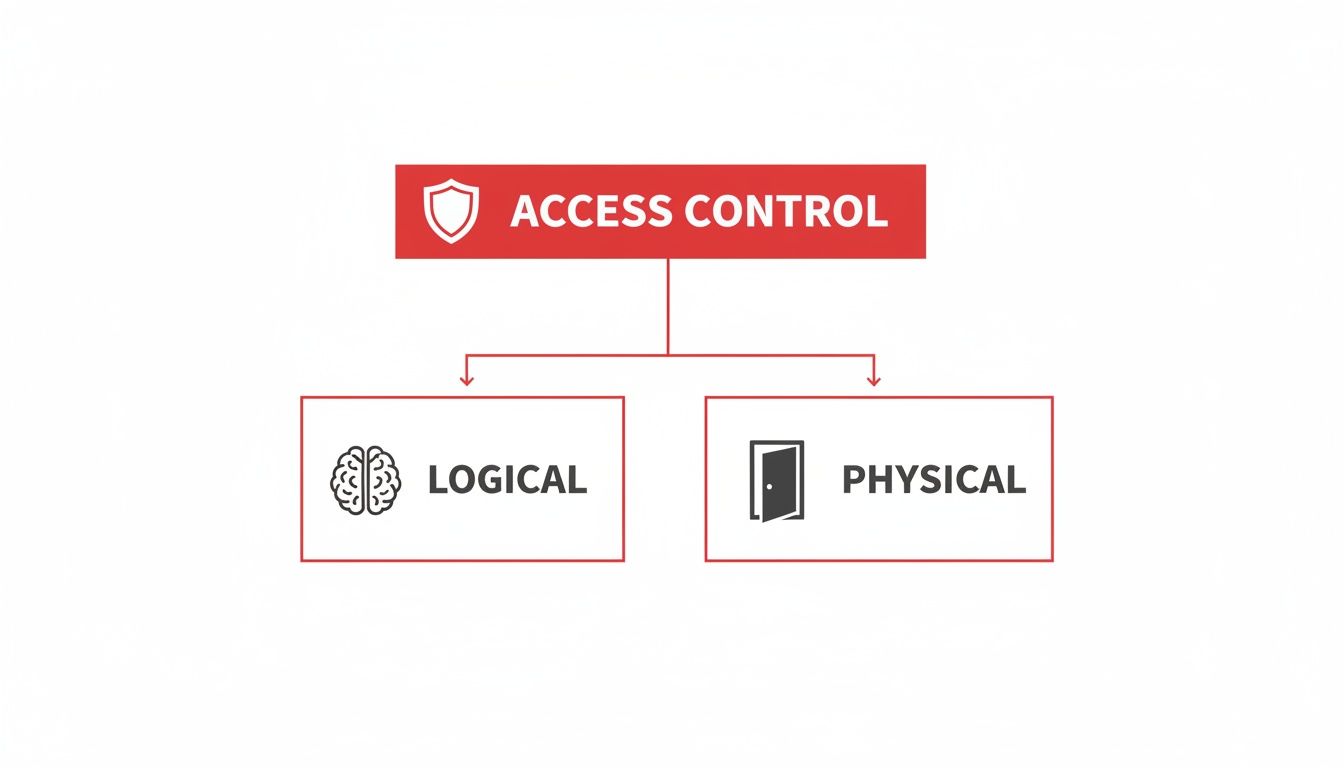
As you can see, you have to lock both the physical doorways and the digital gateways to be truly effective. This guide will walk you through the core models and technologies—without the confusing jargon—so you can clearly see what your options are.
Why Access Control Matters to You
If you're overseeing a commercial, residential, or industrial property, a smart access control strategy is about so much more than just locking doors. It’s a proactive approach that provides peace of mind every single day.
Here's what a good system brings to the table:
- Enhanced Safety: It's the most direct way to protect tenants, employees, and visitors from unauthorized individuals.
- Asset Protection: It safeguards everything from expensive equipment on a construction site to sensitive data in an office building.
- Operational Efficiency: Automating entry for authorized people eliminates the need for a guard at every door and keeps foot traffic flowing smoothly.
- Accountability and Oversight: Modern systems leave a digital trail, logging who went where and when. This data is invaluable if you ever need to investigate an incident.
A robust access control system transforms security from a reactive measure into a proactive strategy. It empowers property managers to define and enforce who belongs where, providing a foundation for a safe and orderly environment.
We're going to explore it all, from the logical rules that define permissions to the physical hardware that enforces them. For a deeper dive, check out our guide on what is access control in security and its core principles.
And for those dealing with highly sensitive digital assets, a critical component of any modern strategy is understanding Privileged Access Management (PAM). This groundwork, backed by Overton's 26 years of hands-on experience, is what it takes to build a truly secure property.
Before you even think about installing key card readers or biometric scanners, you have to decide on the rulebook. Every access control strategy starts with a logical model—think of it as the foundational blueprint that dictates who gets in and who stays out.
Understanding these core models helps property managers and business owners pick a framework that actually fits their security goals and day-to-day operations.

While there are several ways to approach it, three models really define the landscape. Each one has its own philosophy, making it a better fit for certain places, whether it’s a high-security facility or a collaborative, modern office.
Mandatory Access Control (MAC)
First up is the most stringent of the group: Mandatory Access Control (MAC). In a MAC system, a central authority—not the users themselves—sets and enforces every single access rule. These rules are absolute and are based on security labels assigned to both people (subjects) and the things they want to access (objects).
Picture a high-security government building. An agent with "Secret" clearance can open files also labeled "Secret," but they're automatically blocked from anything marked "Top Secret." It doesn't matter if the owner of that "Top Secret" file wants to grant them access; the system's policy is final.
This rigid, top-down approach makes MAC incredibly secure. It’s perfect for environments where confidentiality is paramount, like military bases or intelligence agencies. But that same inflexibility makes it a poor fit for most commercial or residential properties where access needs change frequently.
Discretionary Access Control (DAC)
On the complete opposite end of the spectrum, you’ll find Discretionary Access Control (DAC). This model is all about flexibility, giving the owner of a resource the power to decide who gets access. It’s a decentralized approach that puts the control right in the hands of the people creating and managing the space or data.
A great real-world example is sharing a file on Google Drive. As the document owner, you have the discretion to give viewing or editing permissions to anyone you choose. You can add or remove collaborators on the fly, giving you total control over that specific resource.
While DAC is wonderfully user-friendly, its reliance on individual judgment can create security challenges. One person might accidentally grant permissions that are too broad, exposing sensitive information without realizing it. Because of that potential for human error, it's rarely used as the sole access model for an entire corporate building or community.
Role-Based Access Control (RBAC)
This brings us to the most popular and practical model for businesses and properties today: Role-Based Access Control (RBAC). This effective system assigns access permissions based on a person’s job function or role, not their individual name.
Think about a large office building with multiple tenants. The system doesn't grant access to "Jane Smith." It grants access to her role as "Finance Manager," making management far simpler and more consistent.
RBAC simplifies security management by grouping users with similar job functions. Instead of managing permissions for hundreds of individuals, you manage them for a handful of roles, ensuring consistency and reducing administrative overhead.
This system is both secure and incredibly scalable, which is why it's a favorite for so many properties:
- Finance Team: This role gets them into the main office, the finance department, and the secure file room.
- IT Staff: Their role provides access to the main office and the server room, but locks them out of finance records.
- Building Tenants: A tenant’s role grants them 24/7 access to the lobby, common areas, and their own specific office floor—and nowhere else.
When an employee switches departments or leaves the company, an administrator simply changes their role or deactivates it. Instantly, all the old permissions are gone. This blend of strong security and streamlined management is why RBAC is the backbone of most modern systems Overton Security designs for clients in San Jose, Los Angeles, and across California.
Understanding Physical Access Control Hardware
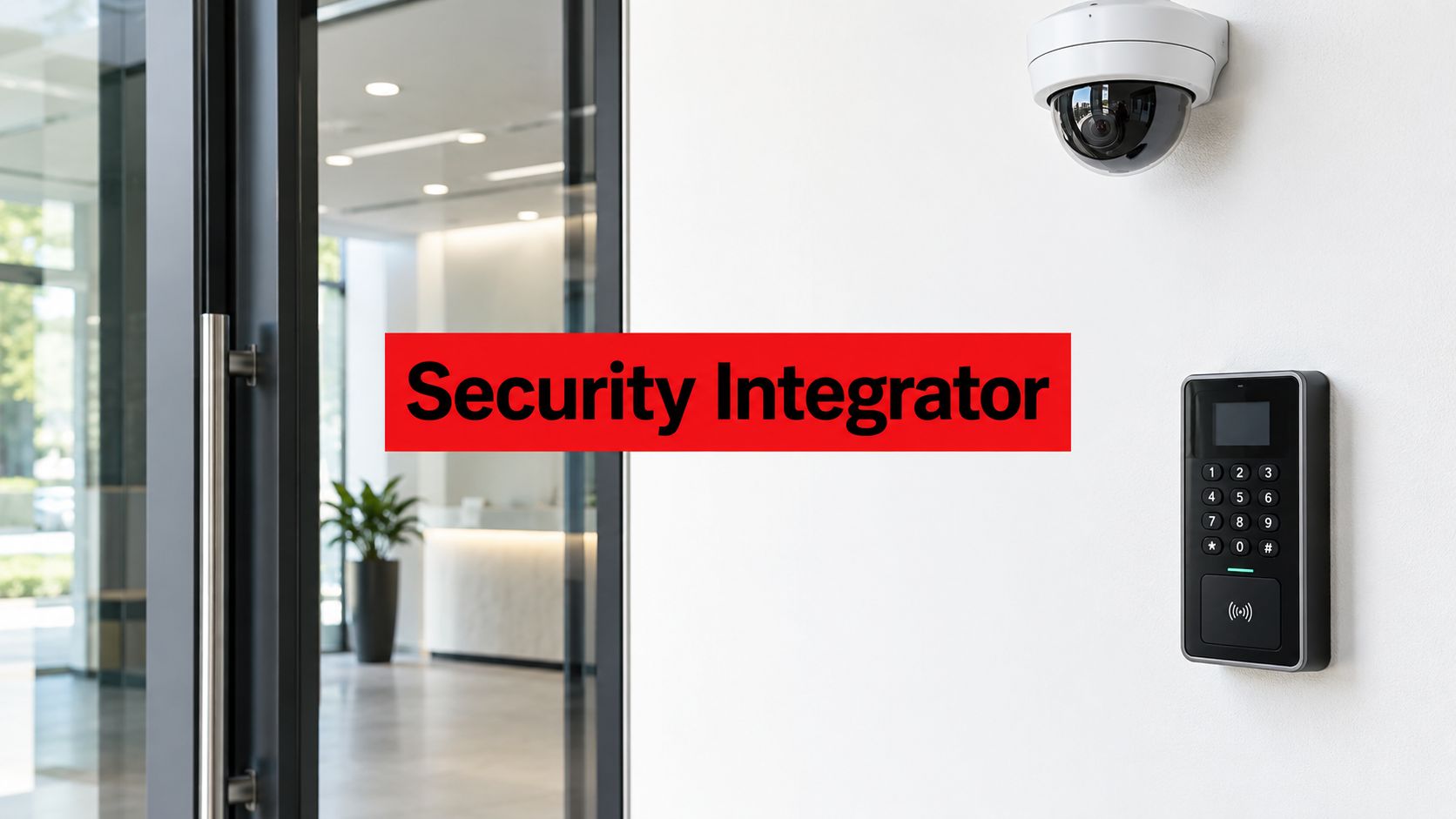
If logical models like RBAC are the rulebook for your security, then physical access control hardware is the muscle that enforces those rules. We’re talking about the tangible tools—the readers, locks, and scanners—that turn your security policies into real-world actions at every single door, gate, and entry point.
Getting the right combination of this hardware is critical. You need a system that's not just secure, but also practical for people to use every day. For property managers and facilities directors, this is about knowing what tools are available to solve specific security challenges, whether you're securing a busy lobby in a Los Angeles office building or protecting valuable equipment on a Fresno construction site.
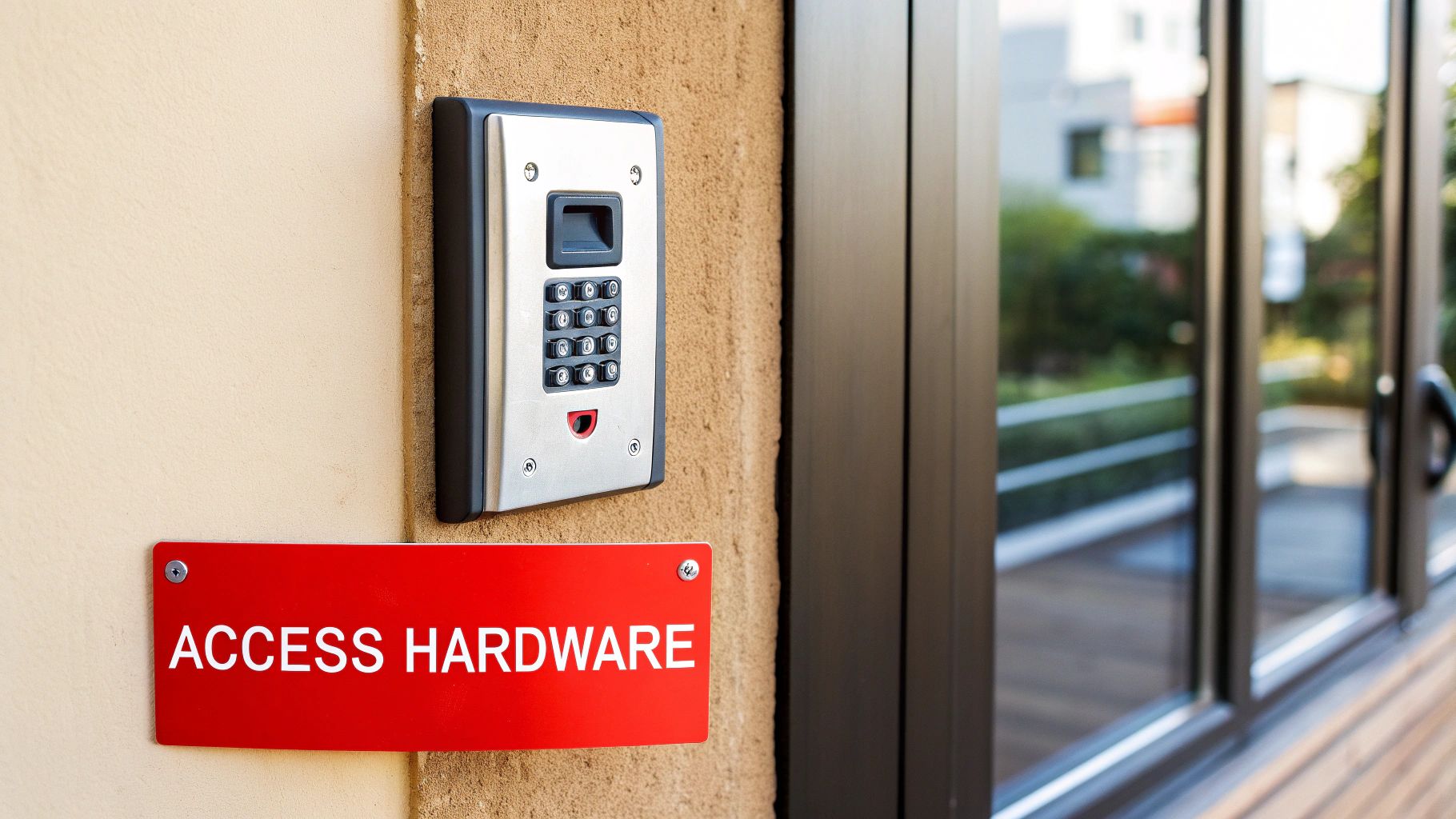
The market for these components is strong and growing. In fact, modern hardware is projected to hold a 56% market share by 2035, forming the physical fortress for everything from industrial sites to luxury condos. These aren't just gadgets; they are the biometric scanners, card readers, and electronic locks that Overton Security seamlessly integrates with our onsite security officers and remote monitoring services for clients, whether they're in an Oakland warehouse or a San Diego high-rise.
This hardware surge is fueling massive growth in the global access control market, which is set to climb from USD 19.05 billion in 2025 to USD 61.31 billion by 2035 as smart buildings and IoT devices demand more tamper-proof entry points. You can discover more insights about this growing market and its impact on property security.
Readers and Credentials
Readers are the devices that scan a user's credential to verify their identity. Once verified, they send a signal to unlock the door. The credential is simply the object or characteristic the user presents to the reader.
-
Card Readers: These are the reliable workhorses of the industry. Using proximity tech like RFID or NFC, users just wave a key card or fob near the reader. They're cost-effective and perfect for commercial offices, residential communities, and healthcare facilities.
-
Keypad Readers: Requiring a numeric PIN, keypads are great for areas that need controlled but frequent access, like utility closets or employee break rooms. The upside is no physical credential to lose. The downside? Codes can be shared or forgotten.
-
Mobile Readers: This is the modern evolution. These readers use Bluetooth or NFC to communicate with a user's smartphone. The convenience is incredible, as you can grant or revoke credentials remotely in seconds—ideal for managing access for contractors or temporary staff.
Biometric Scanners
For areas demanding the highest level of security, biometrics offer a solution that is nearly impossible to counterfeit. These scanners verify a unique physical characteristic of an individual.
Biometric access control validates who you are, not just what you have (like a key card) or what you know (like a PIN). This distinction provides a powerful layer of security for sensitive areas.
The most common types you’ll see are:
- Fingerprint Scanners: Widely used and highly accurate, they're a popular choice for securing server rooms, executive suites, or pharmaceutical storage.
- Facial Recognition Scanners: These offer a completely touchless experience, making them increasingly common in high-end corporate lobbies and tech campuses where seamless, secure entry is a priority.
- Iris or Retinal Scanners: This is the top tier. Providing the absolute highest level of certainty, these are typically reserved for government facilities or data centers protecting mission-critical assets.
Electronic Locking Mechanisms
The final piece of the hardware puzzle is the lock itself. After a reader authenticates a credential, it signals a controller to release the electronic lock, granting access.
-
Electric Strikes: These devices replace the standard strike plate on a door frame. When activated, the strike releases the latch, allowing the door to be pushed open. They're incredibly versatile and commonly used on standard interior and exterior doors.
-
Magnetic Locks (Maglocks): Maglocks use a powerful electromagnet to hold a door shut against a metal plate. Because they're extremely durable and fail-safe (they unlock when power is lost), they are a solid choice for emergency exit routes. You'll often find them on glass doors or other high-security entryways.
The right hardware mix depends entirely on your property. A residential HOA might pair card readers with an intercom system. A commercial high-rise, on the other hand, might need a combination of mobile readers for tenants, keypad readers for maintenance closets, and a biometric scanner for its data center. At Overton Security, our 26 years of experience have shown us that a successful system is one where technology and human expertise work in perfect harmony.
Choosing the Right Technology for Your Property
Knowing the theory behind access control is one thing, but applying it to your own property is where the real work begins. The next crucial step is to move from concepts to concrete choices, matching the right hardware and software to your building's daily traffic, operational needs, and security vulnerabilities.
There’s no one-size-fits-all answer here. The real goal is to build a layered, practical system that feels seamless to authorized individuals while presenting a serious obstacle to anyone who doesn't belong. This is where a hands-on, consultative approach really makes a difference—designing a cohesive system that aligns perfectly with your property's specific goals.
Matching Technology to Common Scenarios
So, how does this play out in the real world? Let’s look at how different properties might tackle this. The key is to think in layers, blending different technologies to cover various access points and risk levels.
Here are a few practical examples for property managers and business owners to consider:
-
For a Commercial Office Tower: A blended system is almost always the best approach. You could use smart cards or mobile credentials for general employee access to lobbies, elevators, and specific floors. For highly sensitive areas like a server room or an executive suite, adding a biometric fingerprint reader creates a powerful second layer of security that can’t be easily shared or lost.
-
For a Residential HOA Community: Here, convenience and control are everything. Key fobs are a fantastic solution for residents, offering simple, reliable access to common areas like gates, pools, and clubhouses. This is often paired with a modern intercom system that lets residents visually verify and grant entry to guests right from their smartphones.
-
For a Construction Site: This environment demands durability. Securing valuable equipment and materials means you need a system that can withstand the elements. Ruggedized keypads on tool sheds and mobile credentials managed by an onsite Overton security officer can provide effective, real-time control over who comes and goes.
The Power of Card-Based Systems
In the world of modern security, card-based Physical Access Control Systems (PACS) are the undisputed leader. They command a massive 59.8% market share globally as of 2025. This isn't just a trend; it comes down to their incredible cost-effectiveness and scalability. This makes them the go-to choice for everything from small businesses and retail centers to the sprawling commercial properties Overton Security serves across California.
Think about it: proximity cards and smart cards allow for lightning-fast distribution and, just as importantly, revocation of access rights. This ensures that employees, visitors, or residents in Los Angeles high-rises and San Francisco office buildings can get where they need to go securely, without the complexity of high-tech biometrics. Market analysts note that North America is at the forefront of this trend, holding a 36.9% global share in physical access control, a boom driven by tight regulations and a well-established ecosystem of manufacturers.
Finalizing Your Hardware Choices
When you’re selecting physical components, you have to weigh both the level of security you need and the experience for the end-user. For great insights into reliable options that can be adapted for commercial use, it's often helpful to consult guides on the best door locks for home security.
A well-designed access control system should feel intuitive to those who belong and nearly invisible to the public, all while providing robust, auditable security behind the scenes. It's this balance of strength and subtlety that defines a truly effective setup.
At the end of the day, the best building access control systems are the ones that are thoughtfully planned and professionally installed. By carefully thinking through your property’s specific needs—from the front gate all the way to the most sensitive interior room—you can create a secure environment that protects people and assets without getting in the way of daily operations.
How Professional Security Services Enhance Access Control
Technology is only half the equation. A modern access control system is a fantastic deterrent, but its real power is unlocked when trained security professionals are managing and supporting it. The combination of smart hardware and human expertise creates a security posture that’s both proactive and responsive.
For property managers and facilities directors, this integration is the difference between a passive system and an active defense. It closes the critical gap between an alert and a resolution, ensuring every access event is not just logged, but handled with professionalism.
The Onsite Officer: The Human Interface
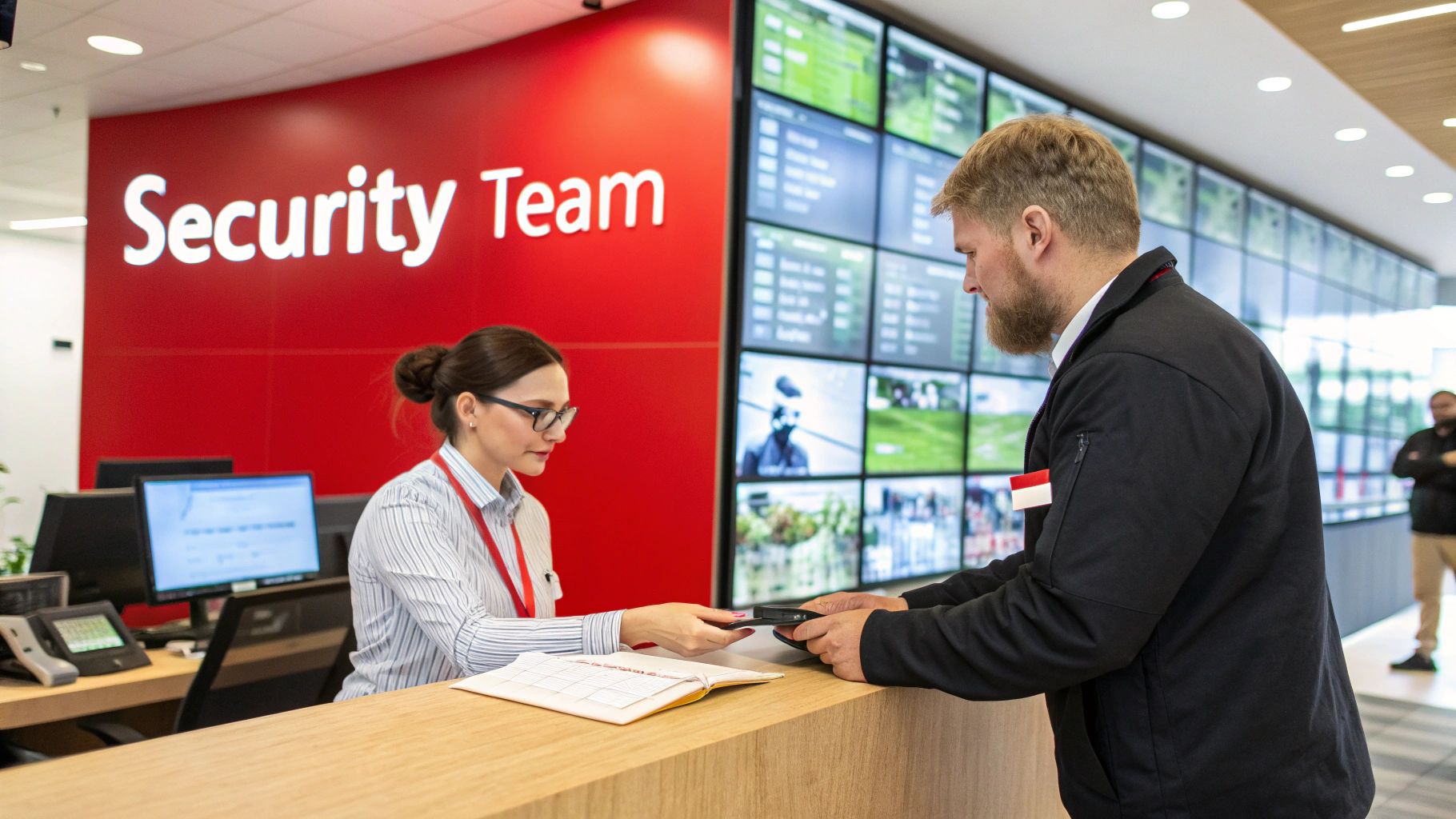
At Overton Security, we see our onsite officers as the essential human interface for your technology. They aren't just standing watch; they are a vital part of the access control loop. Their job is to turn system data into decisive, intelligent action.
An officer stationed at a front desk or gatehouse brings a level of verification that no technology can fully replicate. They can visually confirm identities, manage visitor check-ins with a warm and professional demeanor, and provide an immediate, thoughtful response to system alerts.
Consider what happens when a door is forced open or a credential is used outside of its authorized hours.
- Immediate Investigation: Instead of waiting for an off-site response, an onsite officer can be there in seconds to investigate the cause of the alert.
- Visitor and Vendor Management: They're on hand to issue temporary credentials, ensure contractors are properly signed in and out, and prevent unauthorized people from "tailgating" behind an approved entry.
- Problem-Solving: If a resident’s key fob stops working or an employee forgets their credentials, the officer provides a quick solution, preventing headaches and operational disruptions.
This hands-on management ensures your access control policies are consistently enforced with both professionalism and common sense.
SOC Oversight and Mobile Patrol Support
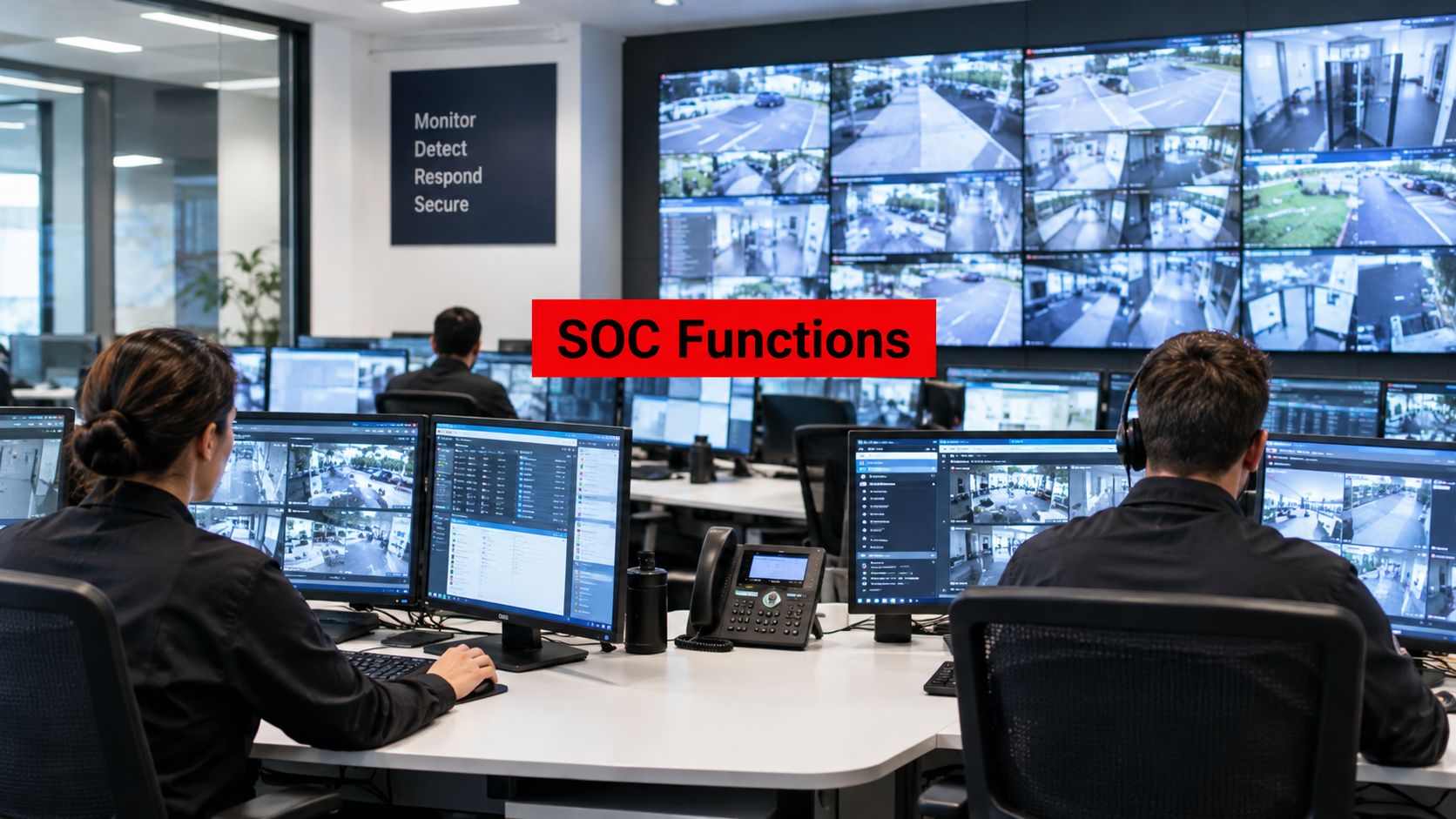
Backing up every single onsite officer is our 24/7 Security Operations Center (SOC). This central command hub provides a powerful layer of remote oversight, accountability, and support. Our SOC operators monitor system health, review access logs for any unusual patterns, and serve as a direct line of communication for officers in the field.
A truly robust security strategy combines technology with multiple layers of human verification. Onsite personnel handle immediate needs, while a remote SOC provides oversight and dispatches support, creating a comprehensive safety net.
When an incident requires a physical response at a property without a stationed guard, our SOC can dispatch a GPS-enabled mobile patrol unit. This integrated approach is a cornerstone of the service philosophy we've honed over 26 years. It guarantees that no matter which types of access control you implement, every event is monitored and accounted for.
This complete integration of people and technology is what gives you absolute confidence in your property's safety, whether you manage a single high-rise in San Francisco or a portfolio of properties across California.
Your Checklist for Implementing an Access Control System
Ready to move forward and enhance your property's security? Understanding the different types of access control is one thing, but implementing a system is where the planning pays off. This checklist is your practical roadmap, designed to help property managers, HOA boards, and facilities directors navigate the process with confidence.
Think of this as your game plan for success. A well-executed project always starts with a clear-eyed look at where you are now, built on a solid foundation of planning and partnership.
Phase 1: Initial Planning and Assessment
This first phase is all about discovery—understanding what you have, what you need, and what you’re trying to accomplish. Rushing this part can lead to an expensive system that doesn't actually solve your property's unique challenges.
-
Perform a Thorough Security Assessment: Walk your property with a critical eye, as if you were trying to find a way in. Identify every entry point, from main lobby doors and loading docks to service gates and ground-floor windows. Map out your most sensitive areas and pinpoint where you’re currently vulnerable. This gives you a clear picture of your security needs.
-
Define Your Access Policies: This is arguably the most crucial step. Before you look at hardware, you need to decide who gets access, to which specific areas, and during what times. Getting these policies down on paper creates the official rulebook your new system will enforce.
Phase 2: System Selection and Partnership
With a solid plan in hand, you can start selecting the right tools and, just as importantly, the right team. The right partner is every bit as important as the right technology.
-
Select Appropriate Hardware: Using your assessment and policies as a guide, choose the hardware that fits your security goals and your budget. This will likely be a mix of technologies—perhaps key card readers for general access, sophisticated biometric scanners for high-security zones, and durable keypads for service areas.
-
Choose a Qualified Partner: Don't just look for an installer; find an experienced security provider. A true partner, like Overton Security, will help you design the entire system, ensure a professional installation, and provide the ongoing support needed to keep it running perfectly.
Implementing an access control system is a major investment in your property's safety and operational efficiency. A methodical approach, from the initial assessment to ongoing training, is what guarantees the highest possible return on that investment.
Phase 3: Implementation and Training
Finally, it’s time to put the plan into action and empower your team. A new system is only as good as the people using it.
-
Develop Clear Protocols: Create simple, straightforward procedures for everything. How do you issue and revoke credentials? What's the process for handling visitors? What happens when the system sends an alert for a forced door? For more guidance, check out our detailed guide on access control best practices.
-
Train Your Team: Make sure everyone who interacts with the system—from front-desk staff to property managers—knows exactly how it works and what their responsibilities are. Proper training prevents simple user errors and gives your team the confidence to manage security effectively.
Frequently Asked Questions About Access Control
As you explore access control, practical questions are bound to come up. We've put together straightforward answers to some of the most common questions we hear from property managers and business owners.
What Is the Difference Between Physical and Logical Access Control?
The easiest way to think about it is securing your property versus securing your data.
Physical access control is all about tangible barriers—think doors, gates, and turnstiles. It uses hardware like key card readers and electronic locks to control who can physically enter a space.
On the other hand, logical access control is about protecting your digital world. It uses passwords, multi-factor authentication, and user permissions to keep unauthorized people out of computer networks, databases, and sensitive files. A comprehensive security plan must cover both.
How Much Does an Access Control System Cost?
There's no single price tag, as the cost varies widely based on a few key factors. Every system is tailored to the specific property.
Here's what drives the cost:
- The number of doors or entry points you need to secure.
- The type of technology you choose (a simple keypad is very different from an advanced biometric scanner).
- The complexity of the installation, including any new wiring required.
- Ongoing software and maintenance fees.
The good news is that these systems are incredibly scalable. You can start small by securing a few critical doors and then expand over time as your budget and security needs grow.
Can I Integrate Access Control with My Security Cameras?
Absolutely, and you should. It's a powerful combination. Modern access control systems are designed to integrate seamlessly with video surveillance. This means you can get video verification for every single access attempt.
When a person uses a card or fob at a door, the system can automatically tag that exact moment in the video footage. This is a game-changer for oversight, especially when professionals in a Security Operations Center (SOC) are monitoring it. You get undeniable proof and a much higher level of security awareness.
How Do I Manage Access for Visitors or Contractors?
Handling temporary access is one of the most common challenges that a good system solves effectively. Instead of handing out physical keys that can be lost or copied, you have far more flexible options.
You can issue temporary credentials that expire on a specific date, create access codes that only work during business hours, or use visitor management software for a more formal check-in. This is also where onsite security officers provide immense value, as they can efficiently manage these temporary credentials and ensure guests only go where they're supposed to.
A well-designed system, backed by professional management, gives you both top-notch security and genuine peace of mind. For a personalized look at your property’s access control needs, you can trust the experts at Overton Security. Learn more about our comprehensive security solutions.