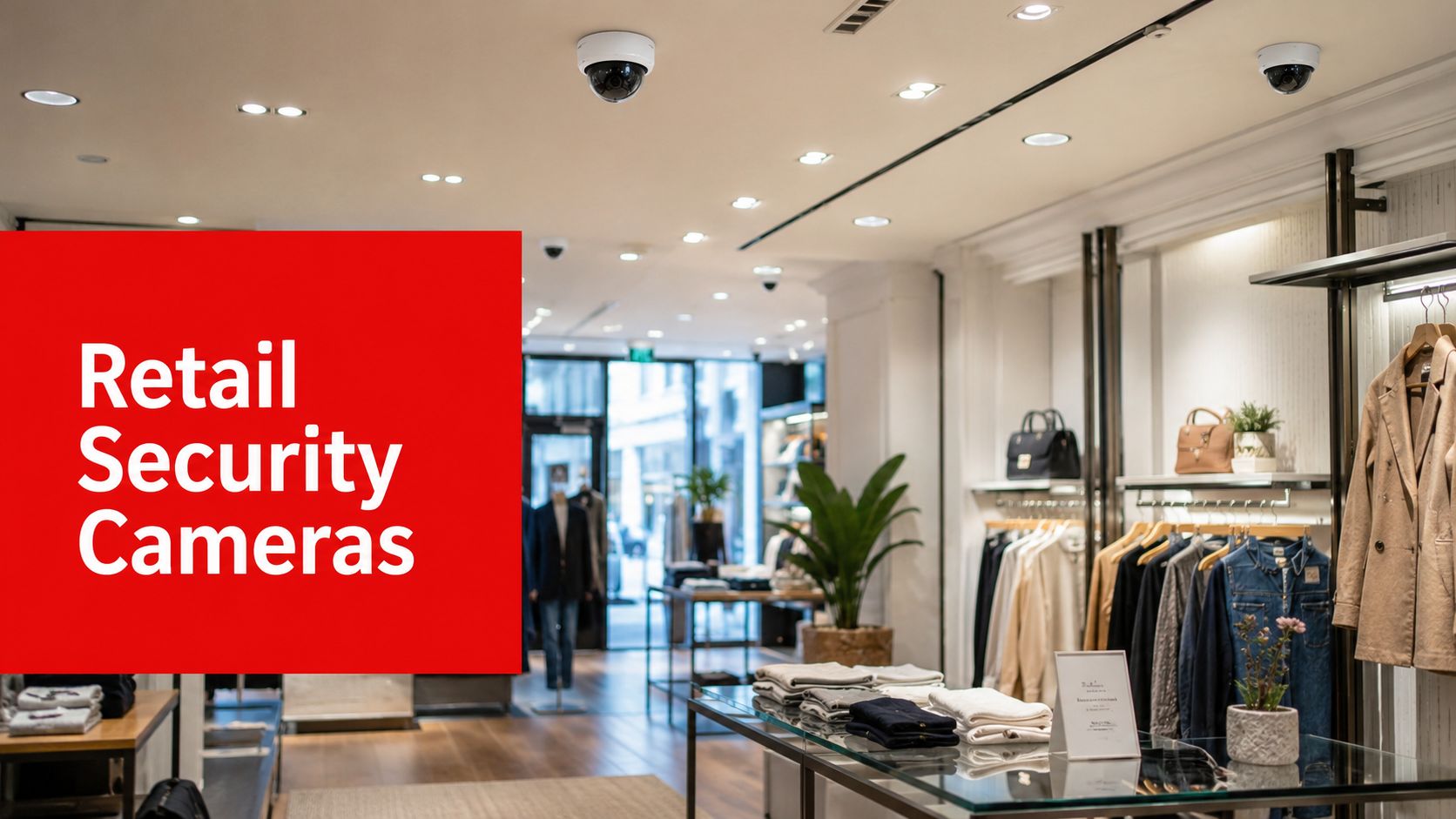
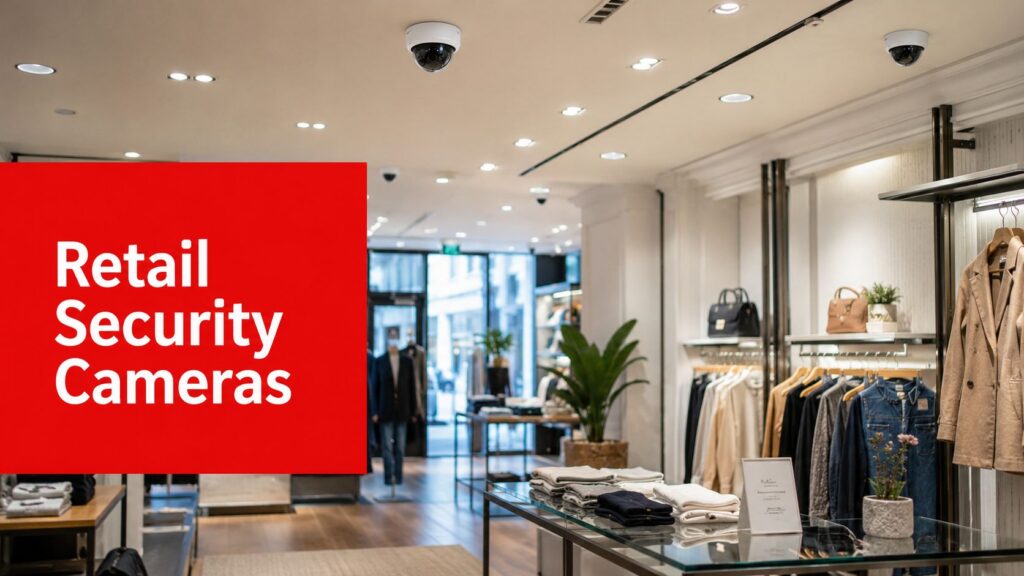
You're probably dealing with a familiar problem. The store has cameras, the footage is grainy in the wrong places, the parking lot is only half covered, and every incident review starts with someone saying, “Can we see what happened?” too late to stop it.
That's where many retail properties stall out. They buy cameras as a checkbox, not as part of an operating system for the site. Then they wonder why shrink, loitering, unsafe interactions, and after-hours issues still keep landing on the manager's desk.
A good retail camera program doesn't just record. It supports safer stores, cleaner investigations, better staff awareness, and more disciplined property management. For a broader look at how cameras fit into store operations, Overton's guide on security in retail environments is a useful starting point.
Beyond the Lens A Strategic View of Retail Security
A new retail property manager usually inherits a patchwork system. One camera points at the front door. Another stares at an aisle cap that changed two remodels ago. The stockroom camera is blocked by cartons half the week. When an incident happens, everyone learns the same lesson again. Coverage on paper isn't the same as usable security.
That's why I tell clients to stop thinking about cameras as evidence machines. Start treating them as business control points. In retail, a camera should help you verify transactions, monitor entry patterns, support employee safety, document vendor activity, and give your team visibility into the spaces where problems repeat.
Retail spending tells you this is no side issue
The industry is investing heavily for a reason. The global retail security system market was valued at $28.6 billion in 2025 and is projected to reach $56.4 billion by 2034, while commercial applications captured 38.50% of the overall security camera market share in 2024, according to DataIntelo's retail security system market report.
That growth doesn't mean every store needs a giant system. It means retail leaders have realized security affects operations, liability, and customer experience at the same time.
Practical rule: If your camera plan starts and ends with “record the theft,” the plan is already too narrow.
Cameras matter most when they support decisions
The question isn't how many cameras you can afford. It's whether your system helps your team make faster, better decisions during normal hours and when something goes wrong.
A strong setup usually helps a manager do four things well:
- See customer-facing risk clearly: Entrances, exits, sales floor choke points, and parking approaches need reliable coverage.
- Protect the transaction path: Registers, returns counters, and pickup areas deserve special attention because disputes often start there.
- Control nonpublic space: Stockrooms, delivery doors, and manager offices need visibility tied to access expectations.
- Review incidents without guesswork: Footage should answer what happened, who was involved, and what the team should change next.
If you're evaluating cloud access, mobile viewing, and remote visibility for smaller operations, this guide on how to strengthen SMB video security offers practical context for the management side of camera access.
A retail security camera system earns its keep when it helps prevent confusion, shorten investigations, and support a safer, more orderly property. That's the standard worth building to.
Choosing Your Tools A Guide to Retail Camera Types
You don't need to become a camera engineer. You do need to know what each camera is supposed to do. Most weak systems fail because the wrong device was used in the wrong place.
Here's the quick visual comparison first.

The four camera types most managers will encounter
Dome cameras work well inside the store. They're compact, harder for customers to read at a glance, and useful for broad floor coverage. I like them over sales floors, near checkouts, and in customer service areas where you want visibility without creating a harsh visual feel.
Bullet cameras are more obvious. That's useful. They tell people the area is being watched and they usually fit exterior walls, rear doors, loading zones, and parking edges better than a compact indoor form factor.
Turret cameras solve a practical problem. In many retail environments, they handle difficult lighting more cleanly than older dome styles and are often a smart choice where glare, reflections, or mixed lighting make image quality inconsistent.
PTZ cameras pan, tilt, and zoom. They belong in larger spaces, not everywhere. A PTZ can be effective over a parking field, big box sales floor, or perimeter zone where a person or monitoring team may need to follow movement in real time.
Match the camera to the zone
Use this simple comparison when you're talking to vendors or installers:
| Camera type | Best retail use | Main strength | Common mistake |
|---|---|---|---|
| Dome | Sales floor, checkout, lobby | Discreet general coverage | Expecting it to solve long-range exterior identification |
| Bullet | Parking lot, rear exit, loading area | Visible deterrence | Mounting it where glare ruins the image |
| Turret | Mixed-light entries, side perimeters | Cleaner image in tricky conditions | Treating it as interchangeable with every dome |
| PTZ | Large exterior or wide interior zones | Active tracking and zoom | Using one PTZ where several fixed views are still needed |
A PTZ is not a magic substitute for proper fixed coverage. If the camera is looking left, it isn't watching right.
The specifications that actually matter
Managers get buried in jargon. Strip it down.
- Resolution: Think of this as how much detail you can recover when you need to zoom in. Higher resolution helps, but only if the angle and lighting are right.
- Field of view: A wide view covers more space, but each person appears smaller. Too wide, and you lose useful detail.
- Low-light performance: This matters more than many buyers expect. A camera that looks fine at noon can fail badly at dusk, under canopy lighting, or near a bright storefront window.
- Frame rate: More frames can make motion easier to review, especially around fast movement at doors and registers.
The market has already moved decisively toward networked systems. IP cameras account for over 64% of the surveillance camera market share, and outdoor security cameras are projected to generate USD 50.92 billion by 2035, according to Roots Analysis on the security cameras market. That tracks with what I recommend in the field. Remote access, cleaner integration, and easier management make IP the practical standard for most retail sites.
If you want a second opinion on installation basics from another market, this overview of Australian CCTV system setup is worth a read because it frames the hardware discussion in plain language.
Strategic Placement for Maximum Coverage
Most retail camera mistakes aren't hardware mistakes. They're placement mistakes.
A manager sees a clean install, signs off, and assumes coverage is handled. Then a theft happens behind a seasonal display, a return dispute occurs just outside the register angle, or glare washes out the front entrance during late afternoon. The camera didn't fail. The plan did.

Build coverage by zone, not by device count
I always map a retail site by operational zones first.
For small retail stores under 1,000 square feet, a baseline system usually needs 2 to 4 strategically placed cameras covering the main entrance, point-of-sale area, main sales floor, and sometimes a back room or secondary entrance, according to this guidance on small retail business camera placement. That's a useful baseline, but the layout matters more than the raw square footage.
In practical terms, every retail site should review these areas:
- Entrances and exits: Capture arrivals, departures, and traffic flow.
- POS and customer service counters: Protect the transaction record and support dispute review.
- High-value merchandise zones: Focus on displays that attract concealment, repeat handling, or quick grab activity.
- Stockroom and receiving: Watch inventory movement, deliveries, and unauthorized access.
- Exterior transition points: Cover storefront approaches, delivery doors, side alleys, and parking interfaces.
For a detailed planning checklist, Overton's article on where to place surveillance cameras is a good companion resource.
Static plans create dynamic blind spots
Here's the trap. Retail managers often install once and assume the view will stay valid.
That's not how real properties behave. 58% of camera blind spots emerge post-installation due to environmental shifts like tree growth or changing sun glare, and 30% of theft locations in 2024 were in new blind spots unrecognized by static placement guides, based on this blind spot analysis.
That finding lines up with what site reviews uncover all the time:
- Seasonal merchandising changes: Endcaps, promotional towers, and freestanding fixtures block lines of sight.
- Exterior growth and lighting shifts: Trees, banners, and sun angle alter visibility over time.
- Operational creep: Pallets, carts, and temporary storage turn “temporary” obstructions into permanent ones.
- Tenant modifications: New signage or remodeled counters can compromise a previously good angle.
Review camera views after merchandising resets, seasonal changes, and exterior landscaping work. Don't wait for an incident to discover a blind spot.
A smart placement strategy includes scheduled feed reviews and physical walk-throughs. Coverage is a living part of store operations, not a one-time install task.
Unlocking Value with Video Analytics
Most stores underuse their cameras because they use them only after the fact. That's wasted potential.
When analytics are configured correctly, retail security camera systems stop being passive recorders and start acting like operational sensors. That shift matters because many store problems don't begin as crimes. They begin as patterns. Long queues. Repeated loitering. Traffic bottlenecks. Unwatched product interaction. Unusual return behavior.
Here's the high-level view.

Four analytics functions that actually help retail managers
The best analytics aren't the ones with the flashiest demo. They're the ones your staff can act on.
POS-linked video review helps when a refund dispute, void pattern, or suspicious transaction needs fast verification. If a manager can jump from a transaction event to the matching video, review gets faster and internal accountability gets stronger.
People counting supports scheduling and floor coverage. If you know when the entry flow rises, you can align staffing more sensibly at front-end positions, fitting rooms, or service counters.
Heat mapping gives operations teams a simple view of where customers spend time. That can inform display placement, product adjacency, and how you use premium floor space.
Loitering or dwell alerts are especially useful near entrances, high-value displays, and side approaches. They give staff or monitoring teams a reason to pay attention before a situation turns into a report.
Tie every analytic to a business outcome
If a vendor pitches analytics without connecting them to a management decision, push back. A useful retail system should answer one of these questions:
| Analytic function | Useful outcome |
|---|---|
| POS integration | Faster transaction review and fewer unresolved disputes |
| People counting | Better staff deployment during busy periods |
| Heat mapping | Smarter merchandising and layout decisions |
| Loitering alerts | Earlier intervention around suspicious behavior |
That last point matters more than many buyers realize. Analytics are valuable because they shorten the time between “something looks off” and “someone needs to respond.”
Good analytics don't replace supervision. They help your team notice what deserves supervision.
Keep the rule set disciplined
A cluttered analytics setup creates noise. Stores get buried in nuisance alerts, and then nobody trusts the system. Start with a few event types tied to known pain points. Fine-tune them. Expand only when the team is consistently acting on the alerts that matter.
That's the difference between a system your managers use and one they ignore.
The Human Element Integrating Cameras with Guards and SOC
Here's the hard truth. Cameras alone don't stop retail theft.
Visible surveillance still matters, but it's often reactive. 70% of retail theft occurs despite visible surveillance, as offenders use masks or fast grab-and-run tactics, according to InVue's retail surveillance analysis. If your entire strategy depends on reviewing footage after the fact, you're accepting a delayed response by design.

What a real security ecosystem looks like
A stronger approach combines camera coverage, alerting logic, remote verification, and trained personnel who can act. That's how a camera becomes more than a witness.
A workable chain looks like this:
- The camera sees activity in a priority zone such as a rear door, entrance cluster, or high-value display.
- Analytics flag the event because the behavior matches a rule, such as after-hours presence or prolonged loitering.
- A monitoring team verifies it instead of sending staff on a false alarm chase.
- An onsite officer or manager gets context before responding.
- The incident is documented properly for operations, liability, and follow-up.
That process is what turns surveillance into active risk management.
Why people still matter
Technology can detect. People interpret.
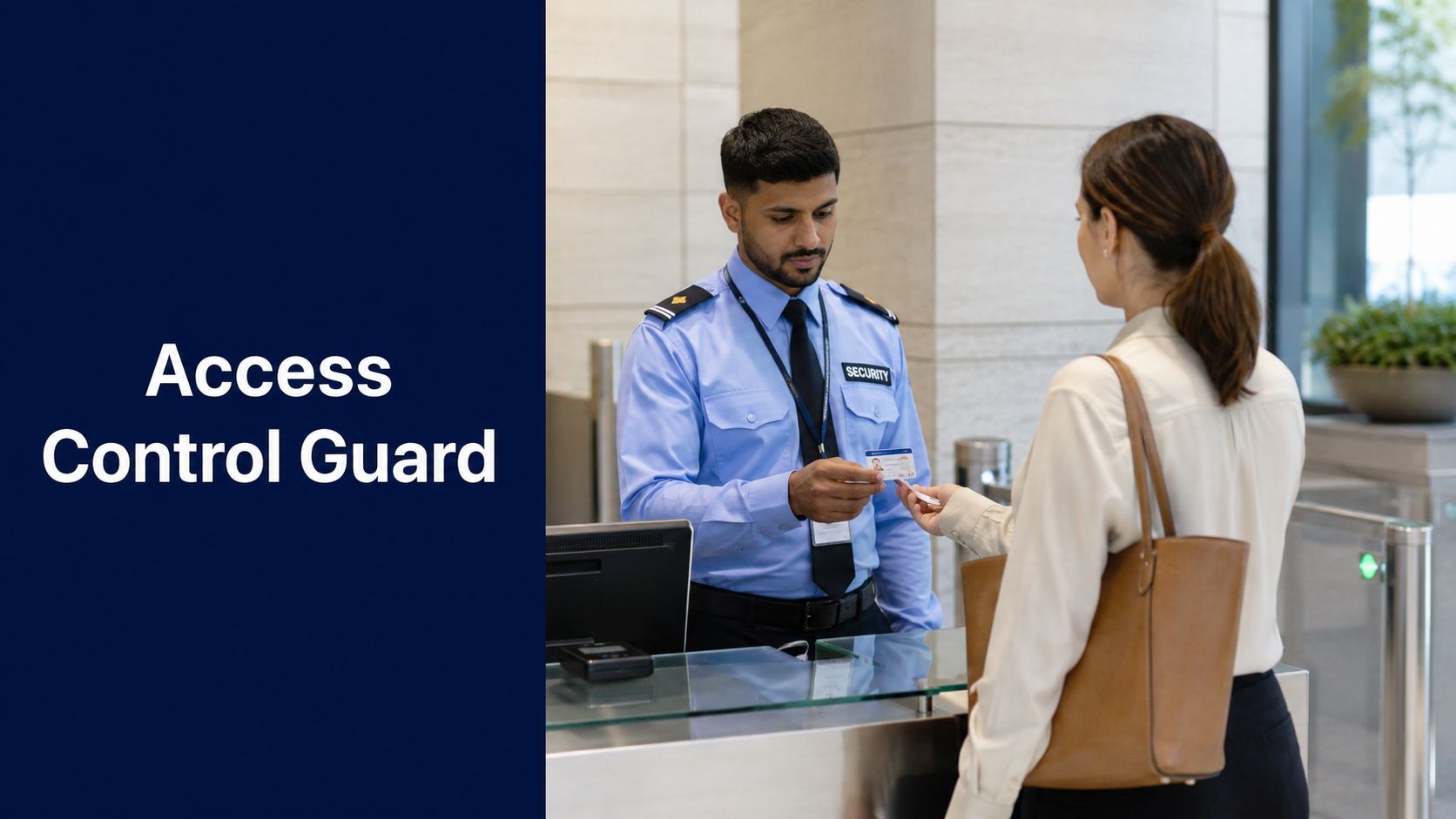
A trained guard notices body language, customer interaction, escalation risk, and whether a person needs service or presents a genuine threat. A competent Security Operations Center can compare multiple views, verify whether an alert is real, and guide a response that fits the situation.
That coordination matters in retail because incidents rarely arrive in neat categories. A person loitering near an entrance may be harmless. The same person circling a locked display, testing exits, and avoiding staff contact deserves a different response.
Here's where many retailers go wrong:
- They overbuy hardware and underinvest in response: Better images won't help if nobody acts on the alert.
- They treat guards and cameras as separate programs: That creates handoff failures and slower decisions.
- They ignore verification: Staff lose trust fast if every alert becomes a false chase.
- They forget reporting discipline: If the team can't document what happened, the organization can't improve.
The force multiplier effect
When cameras, guards, and remote monitoring work together, each one gets more useful.
A SOC operator can watch multiple feeds, confirm activity, and route clean information to a field officer. The officer arrives knowing location, direction of travel, number of involved persons, and whether the event appears criminal, safety-related, or customer-service related. Response gets calmer and more precise.
One option in that model is camera monitoring with Overton Security, which connects remote oversight with field response and documented reporting. That kind of integration is practical for retail centers, standalone stores, and multi-site portfolios that need consistency.
“The best camera is the one connected to a response plan.”
For property managers in Los Angeles, San Jose, Sacramento, or across a multi-site retail portfolio, this is the shift that matters most. Don't ask whether you have cameras. Ask whether the camera event reaches a trained human who can verify, respond, and document.
Procurement Budgeting and Measuring ROI
Most bad camera purchases happen before the first wire is run. They happen when a manager buys a proposal instead of buying a plan.
If you're procuring a retail system, slow the process down just enough to ask the right questions. You want a setup that fits the property, supports the team, and stays useful after the grand opening, the seasonal reset, and the next tenant improvement.
A practical procurement sequence
Use a structured process. It saves money and prevents redesign work later.
Start with the incident history. Review where losses, disputes, trespassing, slip claims, and access problems happen. Don't let the project get driven only by a floor plan.
Walk the site during business hours and after hours. A store that looks well covered at noon can become unreadable at closing time because of contrast, reflections, or employee traffic patterns.
Define operational goals before equipment lists. If the system needs to support register review, loading dock oversight, parking lot observation, and after-hours monitoring, say that first. Then choose hardware.
Check installation standards. Commercial surveillance cameras are generally best mounted between 8 and 12 feet for visibility and tamper resistance, and outdoor units should use IP66 or higher weatherproof ratings, as outlined in this guide to commercial surveillance camera installation and management.
What belongs in the budget
Managers often focus on camera count and miss the rest of the spend. That's how “budget systems” become expensive systems.
Make sure your budget accounts for:
- Hardware: Cameras, mounts, recording equipment, and supporting network components.
- Software and licensing: Video management software, analytics features, user access, and remote viewing rights.
- Installation labor: Cabling, lifts, weatherproofing, testing, and final adjustments.
- Monitoring and support: Remote oversight, health checks, troubleshooting, and response protocols.
- Maintenance: Cleaning, re-aiming, firmware updates, and replacing failed components.
- Operational disruption planning: Scheduling work around open hours, customer flow, and tenant activity.
Measure return the way managers actually report value
ROI isn't just “did theft go down.” That's too narrow, and in many retail environments it's too hard to isolate cleanly.
A stronger ROI conversation includes these categories:
| ROI area | What to measure qualitatively |
|---|---|
| Loss prevention | Whether recurring theft patterns become easier to detect, document, and respond to |
| Liability support | Whether footage helps review claims, incidents, and customer disputes faster |
| Labor efficiency | Whether managers spend less time searching for answers and more time operating the site |
| Multi-site consistency | Whether reporting, review standards, and visibility improve across locations |
Red flags during vendor review
Not every proposal deserves a yes. Be cautious if you hear any of these:
- “You only need more cameras.” Quantity is not design.
- “We can finalize without a site walk.” That's guesswork.
- “Analytics will handle everything.” They won't.
- “Maintenance is optional.” It isn't.
- “Any outdoor camera is fine.” Exterior retail environments punish weak hardware.
The right procurement process produces fewer surprises, cleaner coverage, and stronger internal buy-in. That matters because once the system is in place, your team has to live with it every day.
Navigating Legal and Privacy Considerations
A retail camera system has to be effective, but it also has to be responsibly operated. Many otherwise solid programs often become lax in this area.
The basics aren't glamorous. Clear notice, sensible policies, disciplined access, and proper data handling matter just as much as image quality. A professional operation treats privacy and compliance as part of the security program, not as paperwork after the fact.
Put notice and policy in writing
Customers and employees should know surveillance is in use. In practice, that means visible signage at entrances and in monitored areas where appropriate, plus internal policy language for staff.
Your written policy should address:
- Purpose of surveillance: Safety, loss prevention, access control, and incident review.
- Who can access footage: Limit this to defined roles.
- How footage is used: Incident review, investigations, operational verification, and claim support.
- How long recordings are kept: Set a retention schedule and follow it consistently.
Be especially careful with audio
Video is one issue. Audio recording can be another entirely.
In states such as California, audio rules can be much stricter than many managers realize. If a camera or associated device records sound, get legal guidance before deployment. Don't assume a camera package marketed as “full-featured” is appropriate for your site as configured.
If you don't have a clear policy for access, retention, and deletion, you don't have a complete surveillance program.
Control access and disposal
One of the biggest preventable mistakes is loose footage handling. Shared logins, informal clip exports, and unmanaged archives create needless risk.
A sound process includes role-based access, documented export procedures, and a plan for secure disposal of retired storage devices. If your operation replaces recorders or removes hard drives, this explanation of a certificate of destruction for hard drives is a helpful reference for understanding documented data destruction.
Train managers, not just security staff
Store leaders and property managers often touch the system even if they aren't “security people.” They need clear guidance on what they can review, when they can share footage, and when an incident should be escalated internally or to counsel.
For multi-tenant retail centers, the standard should be even tighter. Tenants may ask for footage. Vendors may ask for access. Law enforcement may request copies. Those situations should route through a documented process, not hallway decisions.
A well-run camera program protects the property, the people in it, and the integrity of your operation. That's what responsible surveillance looks like.
If you're reviewing retail security camera systems for a store, shopping center, or multi-site portfolio in California, Overton Security can help you evaluate placement, monitoring, and response options in a practical way that fits day-to-day operations.