A property manager can have a clean tenant roster, well-trained staff, and reliable locks, yet still spend too much time answering the same questions: Who should enter after hours? Has the contractor's access expired? Which credential belongs to a former employee? What happened at the loading dock when the alarm activated?
Commercial building access control systems address those questions by combining electronic credentials, door hardware, management software, video, alarms, and security operations. The practical challenge isn't choosing the newest credential. It's creating a system that works during the transition, when cards, fobs, mobile devices, and biometric credentials may all need to coexist across offices, retail centers, healthcare facilities, warehouses, and mixed-use properties.
Why Access Control Matters for Commercial Buildings
Consider a property manager responsible for a multi-tenant office building. Tenants need access to shared entrances and private floors. A cleaning contractor needs entry during a defined service window. A construction crew needs temporary access to a restricted area. Visitors arrive at the lobby, deliveries reach a loading dock, and a security officer must know what to do when someone presents an expired credential at an after-hours entrance.
A mechanical lock can't manage those workflows by itself. A commercial access control system can assign permissions, record events, revoke credentials, and apply different rules to different doors. It turns entry management from a collection of keys and informal instructions into a controlled operating process.
The market reflects that shift. Recent research estimates the global access control market at USD 10.67 billion in 2025, with a projection of USD 15 billion by 2030 at a 7% CAGR in one forecast from The Business Research Company. Another forecast places the market at USD 12.72 billion in 2026 and USD 26.22 billion by 2034, reflecting a 9.46% CAGR. These projections describe the wider market, but they also show why commercial properties are seeing more software, cloud services, mobile credentials, and integrated security platforms in proposals.
From door hardware to building operations
Commercial properties have remained one of the largest end-user groups for access control. One dataset estimates commercial applications represented 38.2% of global access control revenue in 2025, while another places commercial use at 41.9% of the U.S. market in 2025. A separate market summary reports commercial properties accounted for 53% of installations in 2024. These figures are presented in MarketIntelO's access control market overview.
The important point isn't the precise forecast. It's the direction of the technology. Access control now supports tenant administration, visitor handling, contractor scheduling, audit trails, and coordination with CCTV, alarm systems, elevators, HVAC, and emergency workflows.
Practical rule: Treat every door as part of a workflow, not as an isolated piece of hardware.
For property managers comparing system architectures, a broader commercial access control guide can help establish the terminology and planning questions. The decision, however, comes down to how the system will behave at your entrances, during outages, and when people or tenants change.
What a successful deployment should deliver
A well-designed system should make routine work easier without hiding important decisions. Administrators should be able to see who has access, why they have it, when it expires, and which doors they can use. Security personnel should receive clear instructions when an event requires human judgment.
That's why modern access control is a measurable building management function, not merely a hardware expense. Its value appears in cleaner credential records, faster response to unusual events, clearer accountability, and fewer manual steps for facilities teams.
Core Components and Credential Types Explained
A commercial access control system is easier to evaluate when you separate it into four basic parts. Think of the reader as the eyes, the controller as the brain, the credential as the key, and the management platform as the administrator's control panel.

The hardware path
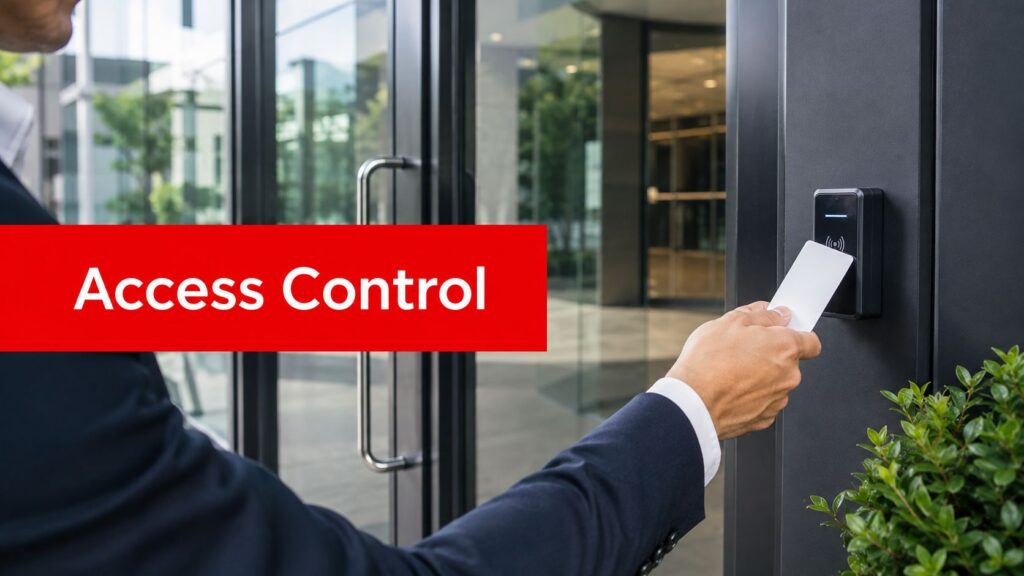
Reader: The reader accepts a card, fob, phone, PIN, or biometric signal at the door. It should fit the environment, whether that means a busy lobby, a parking garage, an exterior gate, or a controlled server room.
Controller: The controller receives the reader's request and checks the relevant rules. It determines whether the credential is valid and whether the person is authorized for that door at that time.
Lock and exit hardware: The controller directs the electronic lock, while request-to-exit devices, door contacts, and emergency hardware support safe operation. Fire and life-safety requirements must remain part of the design.
Management software: Administrators create users, assign schedules, review events, suspend credentials, and manage multiple buildings. A cloud-connected platform can support remote administration, but the design still needs a plan for local operation if connectivity is interrupted.
Properties evaluating door hardware and reader options can review Overton's access control devices as one reference point while documenting existing doors and infrastructure.
Credential choices
Proximity cards and fobs remain practical for many commercial sites. They're familiar, easy to issue, and suitable for tenants who don't want to use a personal device. Their weaknesses are equally familiar. A physical credential can be lost, shared, or copied depending on the technology and reader configuration.
Smart cards can support stronger authentication than basic proximity credentials. High-assurance environments may use PIV or FIPS 201-style smart credentials with PKI-based authentication and phishing-resistant MFA. Relevant cryptographic stacks can include AES-128, AES-192, AES-256, RSA 2048, RSA 3072, and ECDSA or ECDH curves up to P-521, as described in IDEMIA's smart credentials reference.
Mobile credentials are delivered to smartphones or smart devices and can use NFC or Bluetooth. NFC-based credentials work with 13.56 MHz readers, while Bluetooth credentials can work with compatible readers on Android and iOS devices, according to ICT's mobile solutions information. Mobile devices can store authenticated credentials, reduce dependence on physical cards, and support access rights by days, times, and areas, as explained by the Secure Technology Alliance.
Biometrics, including fingerprint and facial recognition, can raise assurance for sensitive areas. They also require careful attention to privacy, enrollment, accessibility, and fallback procedures. No credential type is automatically right for every door.
The reader-to-controller protocol matters too. Legacy Wiegand sends data one way in unencrypted plaintext. OSDP Secure Channel adds AES-128 encryption, bidirectional communication, and device monitoring, which can reduce interception and cloning risk while giving operators better visibility into tampering and reader faults. The difference is explained in Ambient.ai's access control guidance.
Comparing Card, Mobile, Biometric, and Cloud-Based Systems
The strongest system depends on the property's users, doors, operating hours, privacy requirements, and tolerance for administrative work. A corporate office with a managed workforce may adopt mobile credentials quickly. A retail center with independent tenants, delivery drivers, and contractors may need cards and fobs for years. A medical facility may use multiple credential types because public access, staff access, and restricted treatment areas have different requirements.
The transition path matters more than the marketing label. Recent reporting indicates mobile and contactless credentials are growing, but they haven't replaced cards. A 2025 wireless access control report found that only 17% of organizations were fully mobile, while 42% used wireless locks, as reported by Defsec's coverage of access control trends.
| System Type | Best For | Pros | Cons | Typical Use Cases |
|---|---|---|---|---|
| Cards and fobs | Properties with established tenant processes | Familiar, simple to issue, works for users without smartphones | Can be lost, shared, or cloned depending on the credential technology | Offices, retail centers, warehouses, parking areas |
| Mobile credentials | Managed workforces and tenants comfortable with smartphones | Convenient, remotely managed, supports flexible permissions | Depends on phone availability, battery, enrollment, and user adoption | Corporate offices, campuses, mixed-use buildings |
| Biometric systems | Sensitive areas requiring stronger identity assurance | Ties access to a physical characteristic and can reduce badge sharing | Higher implementation complexity, privacy considerations, and enrollment needs | Healthcare, laboratories, data rooms, regulated facilities |
| Cloud-based platforms | Multi-site portfolios and remote administration | Centralized management, scalable permissions, easier remote oversight | Requires dependable connectivity and strong account governance | National portfolios, business parks, distributed offices |
Cards and fobs still have a role
A property shouldn't remove physical credentials just because mobile access is available. Contractors may need a temporary card. Some tenants may have workforce policies that prohibit personal phones for access. Visitors, vendors, and service providers may also need a controlled credential that can be collected or deactivated at the end of a visit.
The right question is whether the platform can manage multiple credential types under one policy. A mixed environment becomes difficult when each credential type uses separate software, disconnected reports, or inconsistent revocation procedures.
Mobile and biometric trade-offs
Mobile access simplifies issuance, but it introduces operational questions. What happens when a phone is lost, replaced, out of battery, offline, or blocked by a corporate policy? Property teams should define a fallback before launch, not during the first access failure.
Biometrics can provide stronger assurance at selected doors, but they're not a universal replacement for cards or phones. Enrollment quality, privacy notices, data retention, accessibility, and an alternative method for legitimate users all require documented decisions. For properties assessing biometric options, Overton's biometric access control information provides a relevant service reference.
Cloud management is valuable for multi-site teams, but remote convenience increases the importance of administrator security. Use role-based permissions, strong authentication, clear approval workflows, and regular reviews of dormant accounts.
For readers assessing wireless architecture, Cisco Meraki access control systems are discussed in the context of wireless access control options. The platform name matters less than confirming interoperability, offline behavior, support responsibilities, and long-term ownership costs.
Integrating Access Control with Security Operations
A door event becomes more useful when the security team can verify it, prioritize it, and respond appropriately. A denied credential at a staff entrance may be a harmless scheduling mistake. The same event followed by a forced-door alarm and activity near a restricted area deserves immediate attention.
Connect events to visual verification
Access control can send events to video management software so operators can review the relevant camera view. That connection helps answer practical questions:
- Who presented the credential: Confirm whether the person matches the assigned user.
- What happened at the door: Distinguish a denied attempt from a propped door or forced entry.
- Which response is appropriate: Dispatch an officer, contact a tenant, escalate to management, or document the event for later review.
Integration with alarms, intercoms, elevators, lighting, HVAC, and emergency workflows can reduce the number of separate screens and disconnected procedures. A property manager should ask vendors to demonstrate the workflow from event through response, not just show a list of integrations.

Give the SOC and officers defined roles
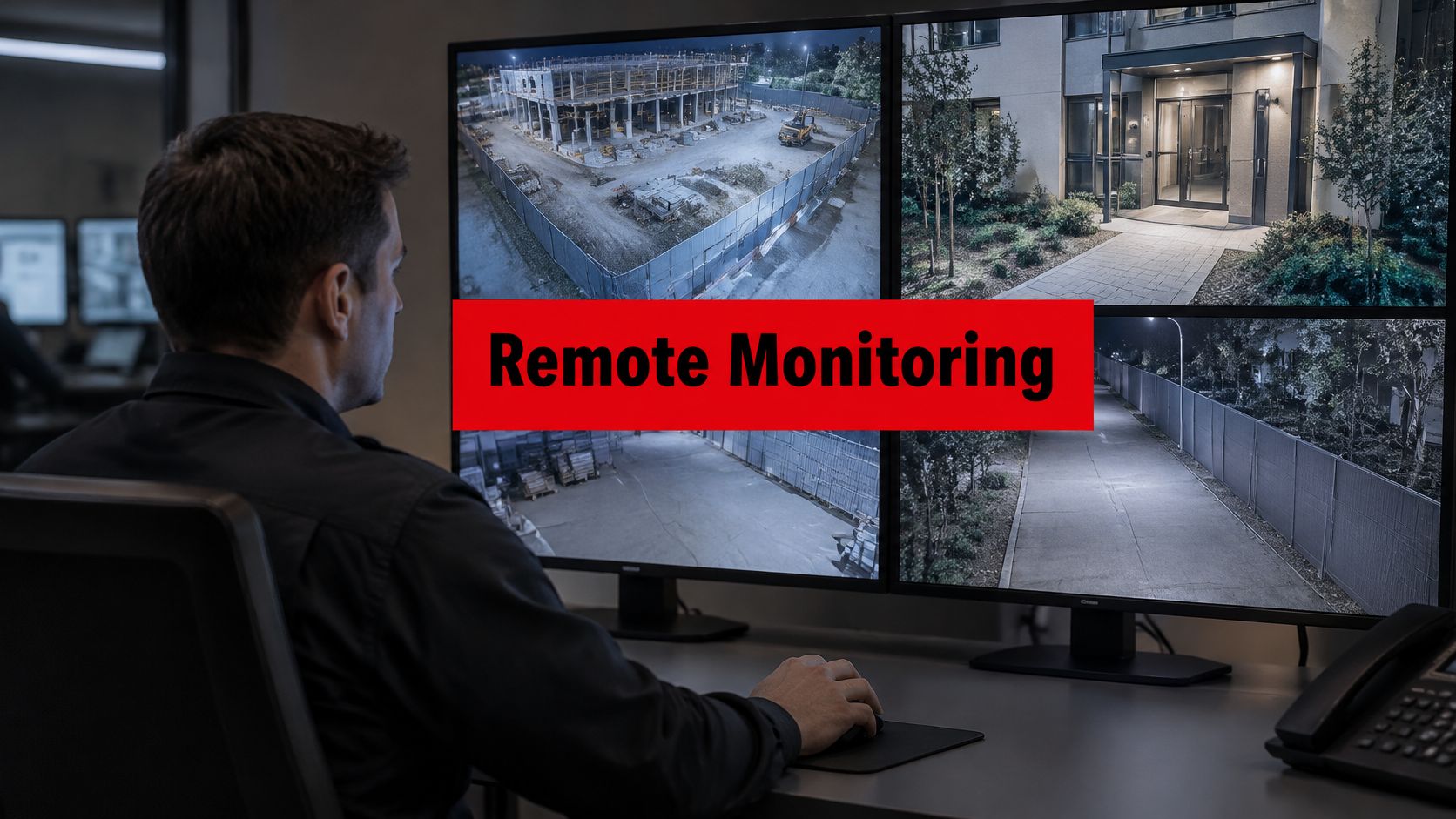
A Security Operations Center, or SOC, can monitor access events continuously, identify patterns, and support escalation. The SOC shouldn't replace site-specific judgment. It should give officers and property teams better information before they act.
Overton Security's operating model combines 24/7 SOC oversight, GPS-enabled patrols, digital Daily Activity Reports, photos, checkpoint scans, and incident escalation. In a commercial property, that can mean a remote operator sees an access alarm, reviews available video, contacts the assigned officer, and preserves a time-stamped record of the response.
The same approach supports guard accountability. A Guard Tour Management System can show whether an officer checked the loading dock, garage, perimeter, or restricted entrance according to the post orders. That record is more useful when it connects patrol observations with access events instead of sitting in a separate report.
Operational test: If an access alarm occurs at night, every person involved should know who receives it, who verifies it, who responds, and where the final report is stored.
Property managers exploring broader system connections can review Overton's security systems integration services while defining responsibilities between the access control vendor, security provider, facilities team, and building engineer.
Selection Criteria, ROI, and Compliance Considerations
A procurement decision should begin with the property's operating model, not a product brochure. Document each entrance, tenant group, restricted area, visitor type, contractor workflow, and response requirement. Then ask whether the proposed system can support those conditions without forcing staff into workarounds.
Build a practical evaluation framework
Scalability matters for multi-site portfolios. Confirm how the platform adds doors, users, buildings, and administrators. A system that works at one lobby may become difficult to manage when each site develops separate rules and reports.
Credential flexibility matters during transition. Require support for the credentials you'll use now, not only the credential you may prefer later. Ask whether cards, fobs, mobile credentials, and biometrics can share permissions, schedules, audit trails, and revocation workflows.
Integration should be demonstrated, not assumed. Test connections with CCTV, alarms, visitor management, identity platforms, elevators, and building systems. Market coverage identifies convergence with Microsoft Azure AD, Okta, and Google Workspace as part of the access control market, while broader trend reporting highlights building-system integration in Security Today's 2026 coverage.
Safety and performance require standards review. UL 294 applies to access control system units used to regulate entry into or exit from controlled, protected, or restricted areas. It defines minimum requirements for construction, performance, and operation, along with four security-performance levels, from Level I, the lowest, to Level IV, the highest, as summarized by GlobalSpec's UL 294 reference.

Calculate value beyond the invoice
The business case should include installation, licensing, maintenance, training, credential replacement, support, network requirements, and future expansion. It should also identify operational benefits such as faster onboarding, cleaner contractor administration, fewer manual checks, improved incident review, and better tenant service.
Avoid promising a specific payback period without property-specific costs and baseline data. Instead, compare the current process with the proposed one:
- Administrative effort: How much staff time goes into issuing, collecting, changing, and revoking credentials?
- Response quality: Can security personnel verify an access event quickly?
- Audit readiness: Can the team produce a complete, understandable record?
- Tenant experience: Can authorized users enter without unnecessary friction?
- Risk control: Does the system reduce dependence on shared keys, unmanaged badges, or informal access lists?
Govern identity and privacy
As physical access events connect with IT identity and business systems, governance becomes central. Define who can create administrators, approve access, export logs, change schedules, and review sensitive events. Establish retention rules and limit access to reports according to job responsibility.
Credential revocation should be formal. NIST IR 7817, published in November 2012, provides a credential reliability and revocation model for federated identities. Its relevance to property operations is straightforward: access should be removed as part of an accountable lifecycle process, not after someone remembers to update a spreadsheet.
Implementation Best Practices and Realistic Rollout Paths
A successful upgrade rarely starts with replacing every credential at once. Begin by mapping the existing environment, including readers, controllers, locks, network paths, tenant rules, contractor access, visitor procedures, and doors that must continue operating during an outage.

Use a phased transition
A practical rollout can follow this sequence:
- Audit the site: Record every controlled opening, current credential type, door condition, access schedule, emergency requirement, and responsible administrator.
- Pilot one entrance: Test a representative entrance with a small user group. Include ordinary employees, a contractor, a visitor, and an after-hours scenario.
- Run credentials in parallel: Allow cards, fobs, and mobile credentials to coexist while users enroll and staff validate permissions. Don't deactivate the old credential until the replacement works under real conditions.
- Expand by operational priority: Move main entrances, tenant floors, parking areas, loading docks, and sensitive rooms according to risk and business impact.
- Train and document: Update post orders, visitor instructions, escalation contacts, emergency procedures, and administrator permissions.
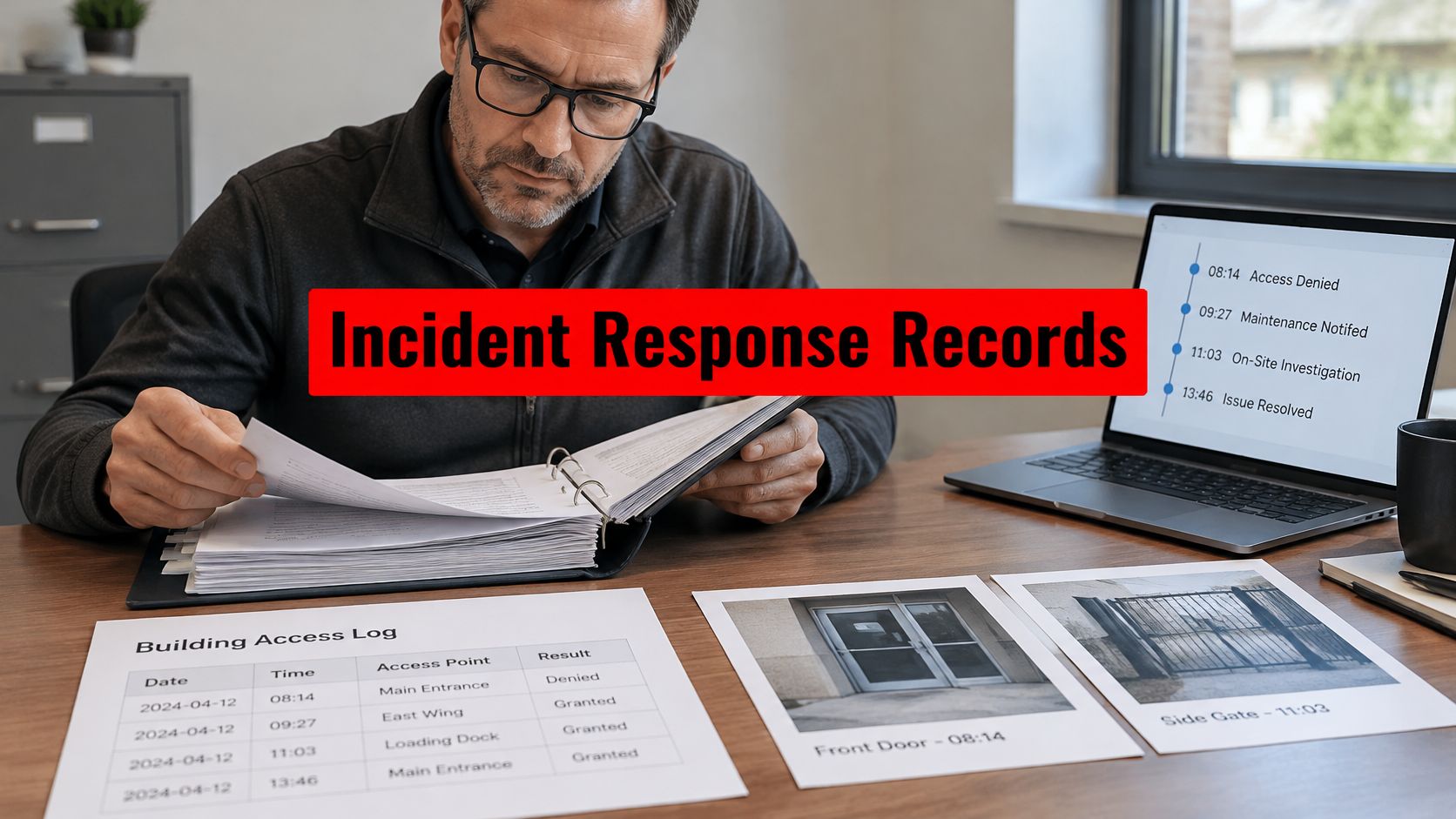
- Review after launch: Examine denied events, failed enrollments, tailgating concerns, help-desk requests, and response records. Adjust rules before expanding to the next site.
Offline access deserves a specific test. Confirm what happens when a reader cannot reach the controller or cloud service, how long local authorization remains available, and how events synchronize afterward. Visitor and contractor flows need the same attention. A temporary credential should have a clear owner, purpose, start time, end time, and revocation method.
Keep human procedures aligned
Technology can't compensate for vague post orders. Officers should know how to verify a denied credential, handle a propped door, direct a visitor, respond to a forced-entry signal, protect privacy, and document an exception. Site-specific training should include the actual doors and screens officers will use.
A security partner with hands-on leadership can help maintain that alignment. Overton's model uses a low manager-to-client ratio, customized post orders, officer support, GPS-enabled patrols, detailed digital reports, and 24/7 SOC oversight. The company also emphasizes retaining professional officers rather than relying on a burn-and-churn staffing model, which supports continuity at properties where local knowledge matters.
Implementation principle: The system is only as dependable as the credential records, response procedures, and people responsible for maintaining them.
Partnering with Overton for Trusted Access Control Solutions
Commercial building access control systems work best when credential strategy, door hardware, video, patrols, SOC monitoring, and daily procedures fit together. Overton Security brings 26 years of experience, a quality-over-quantity approach, a low manager-to-client ratio, customized post orders, officer retention, GPS-enabled patrols, detailed digital reporting, and 24/7 SOC oversight to that operating model. Property managers can contact Overton for a site assessment, consultation, or access control proposal shaped around their building, tenants, compliance needs, and rollout plan.
Overton Security can help commercial property teams coordinate access control with onsite security officers, mobile patrols, CCTV monitoring, visitor procedures, and SOC support. Visit Overton Security to request a consultation and discuss a practical access control plan for your property.