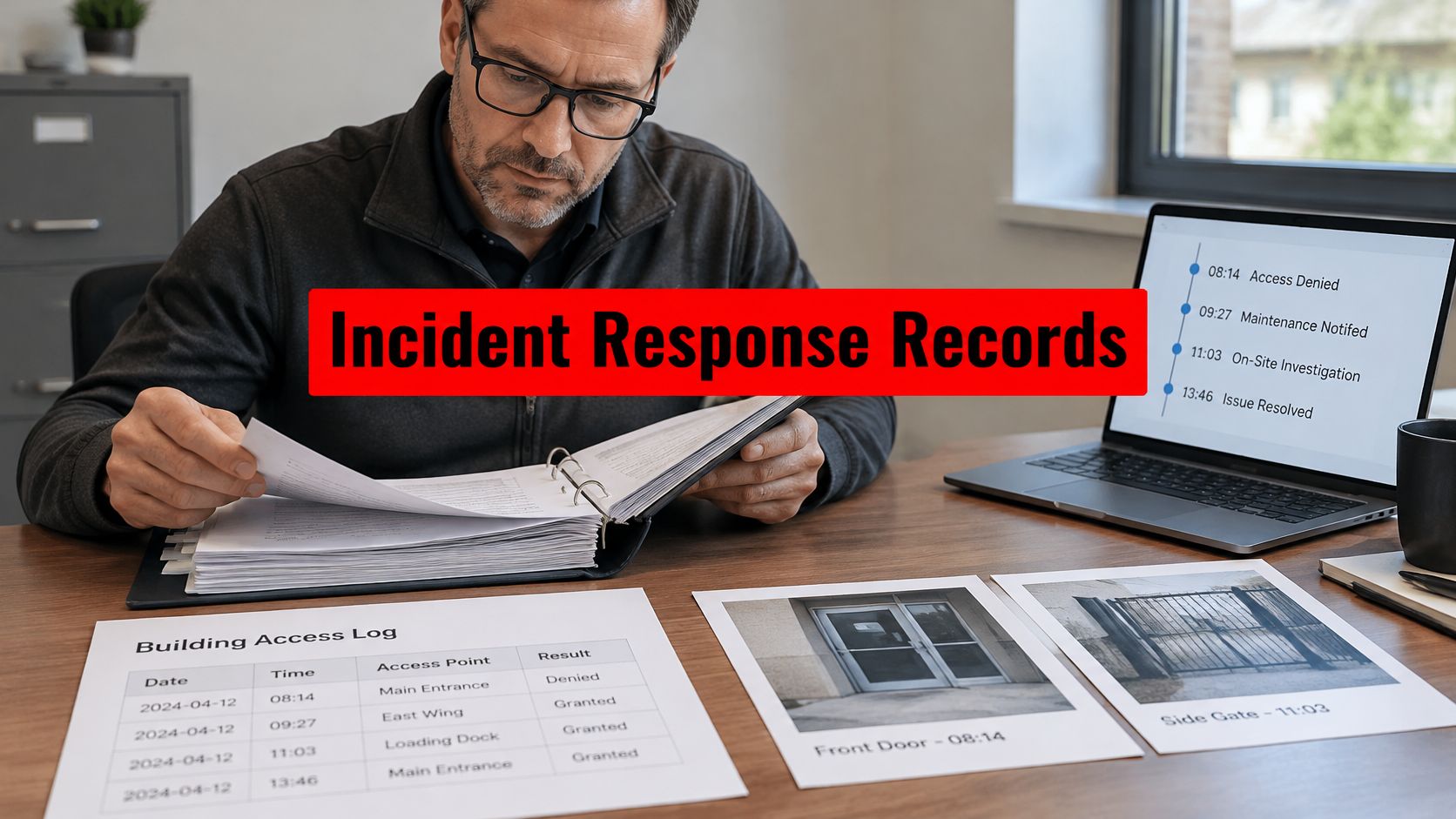

You're probably dealing with a familiar problem. A tenant reports a door that didn't latch. Your night guard logs a parking issue but misses a side gate left propped open. A camera captured the incident, but nobody reviewed it until the next morning. By then, you're answering emails from residents, ownership, and your insurance contact with incomplete information.
That's where most security programs break down. The issue usually isn't a total lack of coverage. It's the gap between devices, people, and response. Property managers don't need more disconnected hardware. They need electronic security services that turn cameras, access control, alarms, patrol activity, and monitoring into one operating system for the property.
Introduction to Electronic Security Services
A mixed-use property in Los Angeles can look secure on paper and still have obvious weaknesses in daily operation. The lobby has cameras. The garage has gates. The retail level has intrusion alarms. There's a concierge desk during business hours and a patrol vehicle after dark. Yet tenants still complain about tailgating, after-hours access, and alarm fatigue.
That happens because hardware alone doesn't manage risk. Devices collect signals. People decide what those signals mean, who needs to respond, and how fast the situation gets contained. If the camera system isn't tied to access events, or the alarm panel isn't tied to a live monitoring workflow, the property ends up with fragments instead of protection.
The market is moving hard in this direction. The global electronic security market reached a valuation of USD 74.6 billion in 2025, which shows the scale behind remote monitoring, surveillance, and integrated system design, according to GM Insights on the electronic security market.
Electronic security services work when they shorten the time between detection, decision, and response.
For property managers, that usually means combining a few core functions:
- Video surveillance that gives usable visibility, not just recorded footage
- Access control that defines who enters, when, and under what permissions
- Intrusion detection that catches unauthorized entry after hours
- Monitoring workflows that route alerts to the right person
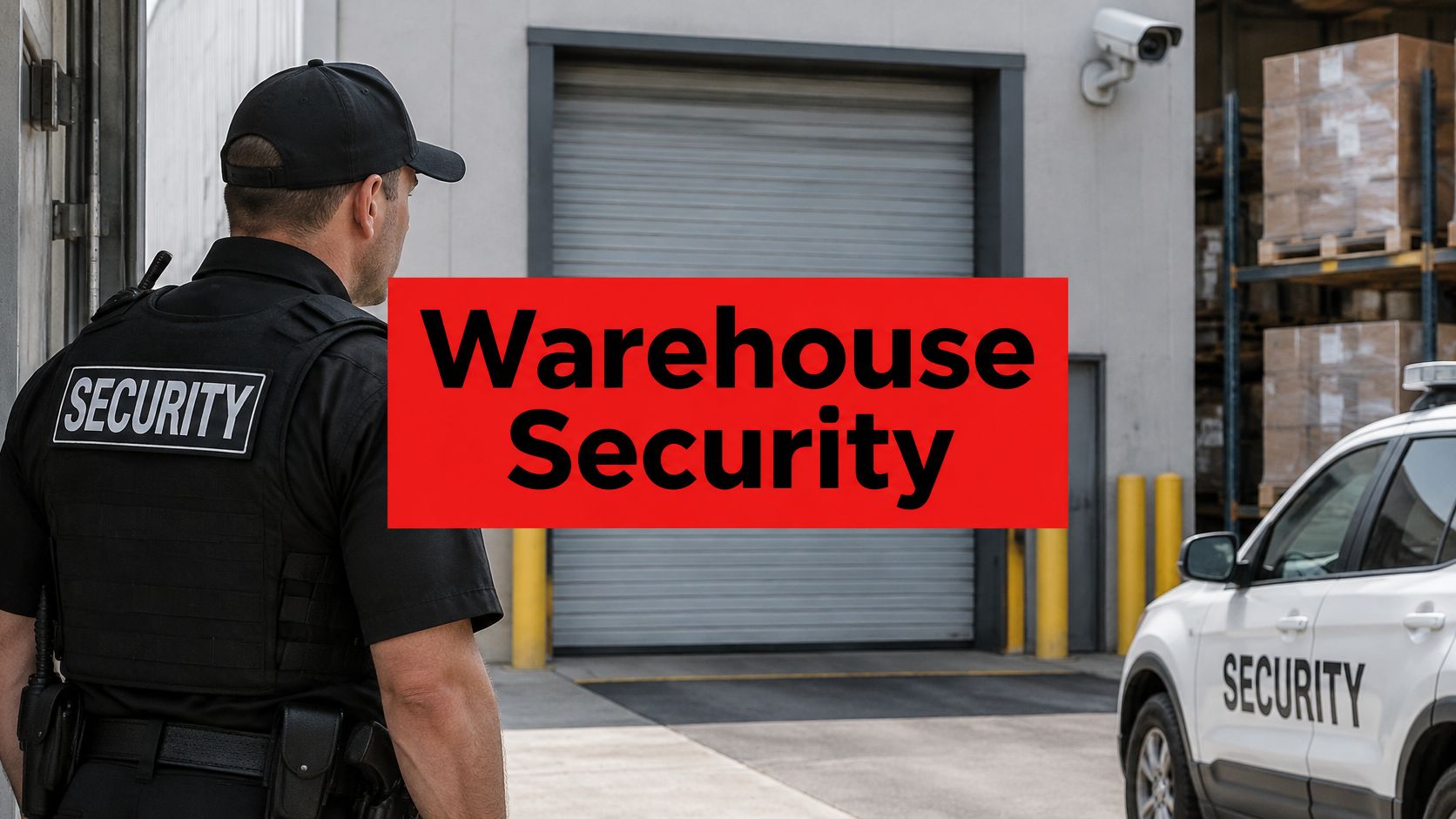
- Guard coordination so a live officer can verify, intervene, and document what happened
A residential high-rise in San Diego doesn't use these tools the same way a construction site in San Jose does. But the operating principle is the same. The best electronic security services connect technology to accountable human action.
Exploring Core Electronic Security Technologies
The strongest security programs use layered tools. Each system handles a different job, and each one gets better when it shares information with the others.

Video surveillance
Cameras do two things well. They create visibility in real time, and they preserve evidence after an incident. But placement matters more than camera count. A property with fewer well-positioned cameras usually performs better than one stuffed with devices pointed at the wrong angles.
For a retail center in Oakland, surveillance should cover storefront approaches, loading areas, parking lanes, and cash-handling routes. For an apartment community in Sacramento, focus usually starts at gates, mailrooms, package areas, elevators, and garage entrances.
Use video for more than playback. Tie it to specific operating questions:
- Entry verification: Who entered, and did the credential match the person?
- Incident review: What happened before staff arrived?
- Pattern detection: Are recurring issues happening at the same hour or location?
Access control
Access control is the rulebook for your building. It decides who gets in, which doors they can use, and when those permissions apply. That includes credentialed entries, deliveries, resident access, vendor scheduling, and temporary permissions for contractors.
For HOA boards and community managers, gate management is often the flashpoint. If you're evaluating perimeter access options, this primer on how cellular gate openers work is useful because it shows how credentialing can move beyond traditional remotes and manual gate handling.
A well-designed system should reduce friction for approved users while making unauthorized entry harder. If you're comparing door and gate infrastructure, electronic access control system options are worth reviewing alongside your current site traffic and staffing model.
Intrusion detection
Intrusion detection is your after-hours tripwire. Door contacts, motion sensors, glass-break devices, and related alert points are there to tell you when someone is where they shouldn't be.
This isn't just for empty buildings. A medical office, warehouse, or mixed-use podium may have active zones and restricted zones at the same time. Good intrusion design reflects that reality. You want targeted alerts, not constant noise.
Practical rule: If every alert feels urgent, none of them are.
Fire detection
Fire detection belongs in the conversation because life safety can't sit in a separate mental bucket. In real properties, operators don't deal with “security events” and “fire events” in isolation. They deal with occupancy, evacuation, accessibility, responder coordination, and documentation.
For mixed-use and residential environments, managers should also think beyond alarm activation. Audible and visual notification paths, mobility support during emergencies, and clear communication procedures matter just as much as the device itself.
Command and control systems
If cameras are the eyes and sensors are the nerves, command and control is the brain. This is the interface that brings events together so staff can make a fast decision. It connects camera feeds, door events, alarm activity, and dispatch workflows in one view.
That's what makes integration valuable. A forced door event should pull up nearby video. A gate malfunction should be tied to an access log. A suspicious after-hours movement should route to a monitoring team or field officer with enough context to act.
Without that layer, you don't really have a system. You have equipment.
Implementing Deployment Models and Guard Integration
A good design on paper still fails if the deployment model doesn't fit the property. Some sites need remote-first monitoring. Others need local staffing with technical backup. Most portfolios do best with a hybrid model.

Four deployment models that actually matter
Here's the short version.
| Model | Best fit | Main advantage | Main risk |
|---|---|---|---|
| Fully managed remote setup | Lower-traffic sites, after-hours coverage, dispersed assets | Centralized oversight | Weak on-site verification if no field response exists |
| Hybrid on-site and off-site | Office campuses, mixed-use, higher-end residential | Best balance of visibility and response | Requires tighter procedures |
| Cloud-hosted systems | Multi-site portfolios needing centralized management | Easier remote administration | Dependence on network reliability |
| Edge-based systems | Sites needing local processing and faster device-level action | Local resilience | More complex maintenance |
Most commercial properties in San Francisco, San Jose, and Long Beach shouldn't choose an all-or-nothing model. They should combine live staffing with remote oversight and clear escalation rules.
How guard integration should work
A camera alert doesn't solve a problem. A trained person does.
Take a commercial campus. An access control event flags a door forced open after tenant hours. The monitoring platform checks the adjacent camera view. If the event looks suspicious, a field officer gets dispatched with the exact location, entry point, and recent activity. The officer verifies conditions on site, documents the finding, and secures the opening or requests law enforcement if needed.
That handoff only works when post orders are specific. Your officers need to know:
- Which alerts require immediate physical response
- Which events can be resolved through remote verification
- Who gets notified first, second, and third
- What documentation is required before closing the incident
If that isn't written down, your system will drift into inconsistency.
Commissioning is not optional
A lot of disappointing security rollouts fail at startup. The cameras are installed, the doors permit access, and everyone assumes the system is ready. That's sloppy.
Commissioning requires functional testing of every device, camera, sensor, and door lock against acceptance criteria in a Functional Test Report to avoid blind spots or false alarms, as outlined in this electronic security commissioning guideline.
That standard matters because it forces the operator to prove each component works in an operational environment. If you're planning integration across patrol, access, and surveillance, this overview of security system integration is a practical place to start.
If a device hasn't been tested in operation, don't assume it's protecting anything.
Assessing Benefits ROI and Compliance for Electronic Security
A board member asks a fair question after a six-figure security upgrade: what changed, and what did we get for the spend? If your answer is limited to new cameras, new readers, and more alerts, you do not have an ROI case. You have a hardware list.
Electronic security earns its budget when it improves measurable operations. Track what happens before, during, and after an event. Measure how quickly staff or monitoring teams verify an alert, how often officers resolve an issue without escalation, how complete the incident record is, and whether recurring failures decline over time.

Where to measure ROI
Use monthly metrics that a property manager can defend in a budget review.
- Alert quality: Fewer nuisance alarms, faster verification, and better event classification
- Response accountability: Clear timestamps for detection, review, dispatch, arrival, and closure
- Coverage confidence: Repeat blind spots, unsecured doors, and patrol misses identified before they turn into claims
- Administrative savings: Less time spent chasing logs, resolving tenant disputes, and piecing together incident history
- Corrective action rate: How often an event leads to a repair, access change, post order update, or policy fix
This is the gap many overviews miss. You should not measure technology and labor separately. You should measure how they perform together.
Use integrated human-tech metrics
Vendor dashboards often stop at device activity. That is not enough for portfolio decisions. Property managers need reporting that connects system signals to human action and then to business impact.
A useful scorecard includes both electronic events and field execution:
| Category | What to track |
|---|---|
| Electronic events | Door-forced alerts, alarm activations, camera coverage exceptions |
| Human response | Dispatch acknowledgment, on-site verification, incident closure notes |
| Patrol proof | Checkpoint scans, photo uploads, report completeness |
| Management action | Maintenance tickets created, access permissions updated, post orders revised |
That model helps you quantify value in practical terms. If remote review clears false alarms faster, officers spend less time on low-value dispatches. If officers document repeat door problems at the same loading area, maintenance can fix the cause instead of paying for repeated response. If incident reports improve, claims review gets easier and faster.
For teams building that scorecard, these security performance indicators for detection, response, reporting, and corrective action are a strong starting point.
Compliance is part of ROI
Compliance work is not separate from security operations. It is the record of whether your operation can stand up to scrutiny.
For commercial, healthcare, mixed-use, and government-adjacent properties, that means keeping accurate alarm records, access logs, visitor records, patrol reports, and device test history. Those records support audits, incident reviews, insurance questions, and liability defense. Weak documentation costs money even when the underlying response was reasonable.
Analysts at Mordor Intelligence report continued growth in managed security services and strong demand from regulated and public-sector buyers, according to their electronic security market analysis. The takeaway for property managers is simple. Buyers are paying for documented performance, oversight, and accountability, not just installed hardware.
One more point. Any electronic security stack that depends on remote access, cloud dashboards, or home-based supervisors also depends on basic cyber hygiene. If part of your team reviews footage or incidents off-site, set standards for network security for remote workers so convenience does not create a new weakness.
Common Electronic Security Use Cases by Property Type
Electronic security services only make sense when they fit the property's daily reality. A gated HOA, a retail center, a construction project, and a corporate portfolio don't have the same risks, and they shouldn't buy the same playbook.
Residential communities
A gated apartment or condo community usually struggles with convenience versus control. Residents want smooth entry. Management wants fewer tailgating incidents, cleaner package-room oversight, and faster follow-up when a garage gate malfunctions.
The practical model is simple. Use access control at key entry points, pair it with camera coverage at vehicle and pedestrian approaches, and make sure there's a human review path for exceptions. In luxury high-rises and mixed-use communities, that often works best when concierge staff, patrol officers, and monitoring teams all follow the same escalation rules.
Retail centers
Retail managers care about customer comfort, after-hours trespassing, vendor access, and recurring nuisance activity in parking areas. They also need better visibility around loading docks, cash-handling routines, and common area incidents.
For these sites, electronic systems should help answer operational questions quickly. Did the person enter through a controlled door or an unsecured service corridor? Did staff follow closing procedures? Did a patrol officer verify the exterior before the alarm was armed?
The best retail security setup makes ordinary closing and opening routines easier to verify.
Construction sites
Construction superintendents and risk managers deal with a moving target. Perimeters shift. Material laydown areas change. Trades come and go. Static plans break fast.
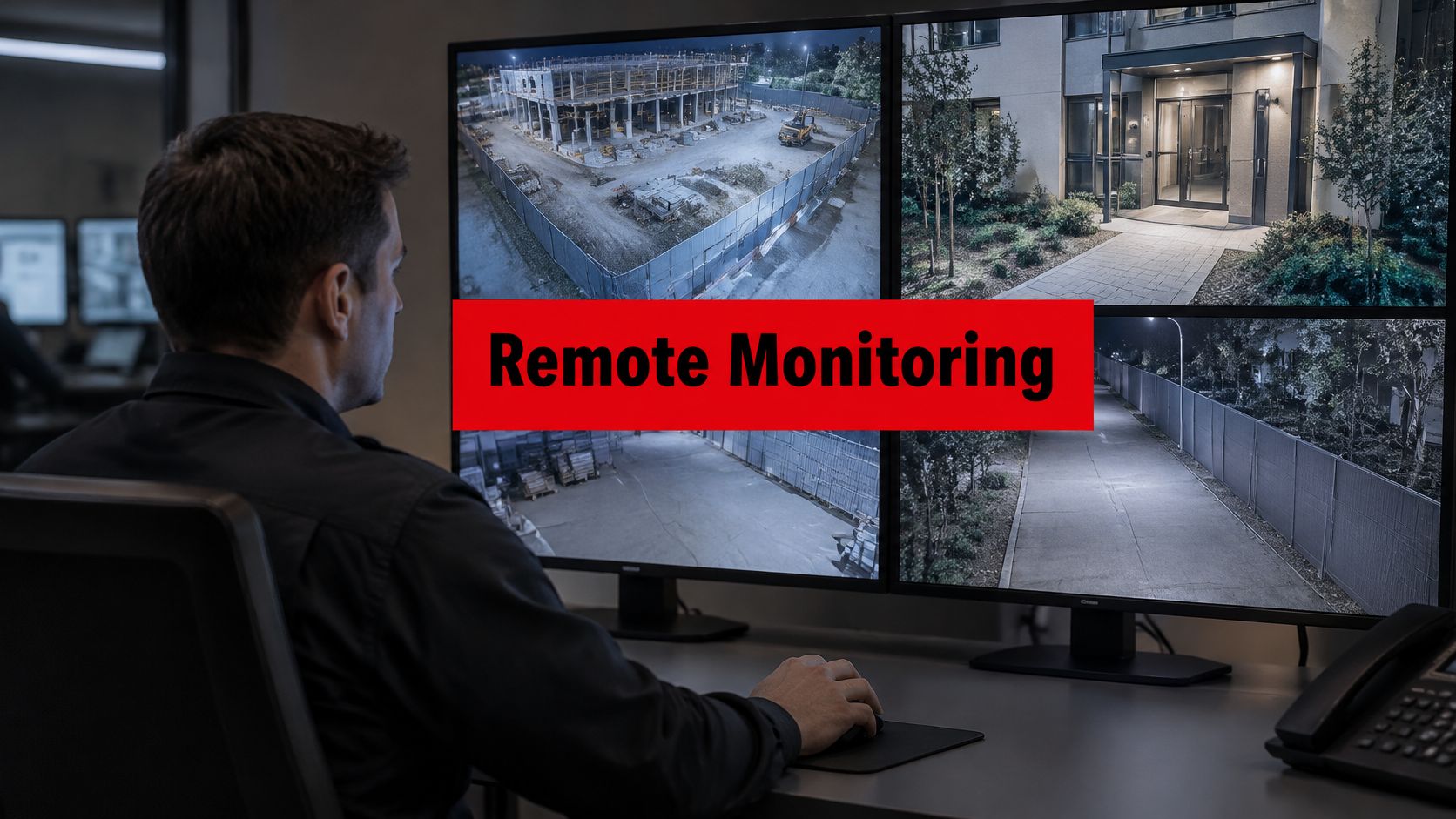
That's why construction security works best with flexible camera placement, temporary access control where feasible, and documented patrol routes that prove critical zones were checked. If your project team also has remote staff reviewing plans, schedules, and camera feeds from off site, this guide to network security for remote workers is a useful companion because operational visibility doesn't help much if remote access habits are weak.
Multi-site commercial portfolios
Facilities directors and regional managers need consistency across locations. Not identical hardware. Consistent operating logic.
That means standardizing the basics: what gets monitored, how incidents are classified, who reviews after-hours events, and what every report must include. Once that foundation is in place, a portfolio manager can compare trends across office buildings, industrial sites, or medical properties without guessing which location is improving and which one is just reporting differently.
Creating a Vendor Selection Checklist for Security Services
It's 9:40 p.m. A gate alert hits your phone, a camera view is blocked, and the guard on duty says the issue is already handled. If your vendor selection process was weak, you have no clean way to verify any of that.
That is why vendor review needs to go beyond hardware lists and staffing promises. Property managers should choose a provider that can prove performance across both systems and people, then tie that proof back to cost, response quality, and site risk.

The checklist I'd use
Compare vendors across these seven areas, and score each one against the same standard.
Technology fit
Confirm that the vendor can work with your existing cameras, gates, door hardware, alarm inputs, and network constraints. If the proposal depends on replacing equipment that still works, ask for a clear operational reason and a payback case.Monitoring capability
Ask who receives alerts, how they are triaged, and what actions happen in the first few minutes. Software without a disciplined monitoring process creates notification noise, not security coverage.Guard coordination
Require a plain explanation of how officers, concierge staff, or mobile patrol teams receive alerts and document closure. If the handoff between the system and the field is vague, expect slow response and inconsistent records.Commissioning discipline
Review the startup plan before you sign. The vendor should test devices, verify notification paths, confirm escalation contacts, and document what counts as a successful closeout for each alert type.Reporting quality
Demand reports that help you manage the property, not just archive activity. You should be able to review alert volume, response time, false alarm patterns, checkpoint completion, exception handling, and whether guard activity reduced repeat incidents. That is how you measure ROI with integrated human and tech metrics instead of judging the program by hardware uptime alone.Scalability
Ask whether the operating model can expand across multiple buildings without creating different rules, report formats, and response standards at each site. Portfolio growth should increase visibility, not complexity.Officer stability and supervision
Ask direct questions about retention, field supervision, training refreshers, and manager involvement. A provider with weak supervision will produce weak documentation, missed procedures, and avoidable service drift.
Questions worth asking in every interview
Use direct questions. They expose weak operators fast.
- For GTMS reporting: How do you verify checkpoint completion, patrol coverage, and exception handling?
- For response: What happens from alert receipt to on-site resolution, and who owns each step?
- For documentation: What exactly will I receive after a trespass event, access problem, or alarm activation?
- For ROI tracking: Which metrics do you use to show that guard actions and electronic systems are reducing repeat incidents, unnecessary dispatches, or after-hours management time?
- For management oversight: How often does account leadership review site data, update procedures, and inspect field performance?
- For long-term fit: What changes in your process when I add retail, parking, residential, or mixed-use properties?
Don't reward the best presentation. Choose the vendor with the clearest operating system, the strongest proof of follow-through, and reporting you can actually use.
Why Choose Overton for Electronic Security Services
If you're comparing providers, experience alone isn't enough. You need experience that shows up in supervision, reporting, and field execution.
Overton Security has operated for 26 years, and that matters because stability tends to show up in the parts of service clients feel every day: consistent post coverage, better manager follow-through, and fewer surprises in how incidents get handled. The company's operating model also reflects a practical view of security. Quality beats volume. Hands-on leadership beats distant account management. Supported officers usually perform better than overworked ones.
For electronic security services, the key operational detail is accountability in the field. Overton uses a GPS-Enabled Guard Tour Management System where officers scan NFC tags at checkpoints to complete real-time Daily Activity Reports, ensuring full transparency, as described in Overton Insights. That gives property managers time-stamped proof of patrol activity, photo documentation, and faster incident visibility.
This kind of setup is useful when you need technology and personnel to work as one system. A camera alert, a gate issue, a fire watch route, or a patrol exception can all be documented in a way that makes post-incident review easier for management. One example of that model is Overton Security, which combines guard services, remote oversight, and digital reporting for California properties.
If you manage residential communities, commercial buildings, retail centers, or construction sites in Los Angeles, San Jose, Sacramento, or elsewhere in California, don't settle for a security program that only records activity. Choose one that helps you verify performance, reduce confusion, and defend your budget with real operating data.
If you want a calmer, more accountable security program for your property or portfolio, talk with Overton Security. A good partner should help you connect cameras, access control, patrol activity, and reporting into one system you can manage.