A lot of properties still handle visitors with a clipboard, a front desk call, and a hope that everyone follows the process. That usually works until it doesn't. A contractor shows up at the wrong entrance, a delivery driver gets waved through without verification, or a manager needs a clean record of who was on-site and finds a page full of hard-to-read signatures.
That's why visitor management systems have moved from a nice front desk upgrade to a core part of modern physical security. For property managers, facilities directors, HOA boards, and construction leaders, the true value isn't just faster check-in. It's having a dependable record, a repeatable workflow, and a clear connection between digital screening and real-world response.
Understanding Modern Visitor Management Systems
A visitor management system is the digital process for registering, verifying, tracking, and closing out visits at a property. In practice, it replaces the paper logbook with a structured workflow that records who arrived, why they're there, who approved the visit, and when access should end.
That matters because paper logs create the same problems across nearly every property type. Names get written down differently. Hosts aren't always notified right away. There's no easy way to confirm identity, and there's no reliable audit trail when management needs to review an incident or answer a compliance question.
Why digital entry has become the new standard
The shift isn't small. The global Visitor Management System market is projected to grow from USD 2.45 billion in 2026 to USD 6.77 billion by 2034, reflecting a broad move from manual logbooks to digital tools for security and compliance tracking across major sectors, according to Fortune Business Insights' visitor management system market outlook.
For a Class A office tower in Los Angeles, that means a cleaner lobby experience and more control over vendor traffic. For an HOA in San Jose, it means a better way to track service providers, guests, and recurring contractors. For an industrial property or warehouse, it means access decisions aren't left to memory or handwritten notes.
Practical rule: If a property can't quickly answer who entered, who authorized the visit, and whether that person should still be on-site, the visitor process isn't doing its job.
What a strong system actually does
A good system acts like a digital front door. It creates consistency at the point where security, operations, and customer experience meet.
In most environments, that includes:
- Visitor intake: Guests, vendors, and contractors enter their details in a standard format instead of writing them by hand.
- Identity handling: Staff can verify who is arriving before access is granted.
- Host coordination: The right tenant, employee, or site contact gets notified as soon as the visitor checks in.
- On-site visibility: Security and operations teams can see who is currently in the building or on the grounds.
- Exit control: The visit closes out cleanly, so the record reflects who has left.
Where the old approach breaks down
Paper sign-in sheets don't fail only during major incidents. They fail unnoticed during normal operations. A receptionist gets busy. A side entrance is left unmanaged. A contractor enters under a familiar company name, but nobody confirms whether the person is expected that day.
That's why visitor management systems shouldn't be treated as lobby décor or a convenience tool. They're part of the access control discipline that professional properties now need to operate with confidence, whether the site is a high-rise in San Francisco, a retail center in Sacramento, or a construction project in San Diego.
The Core Technology Powering Secure Access
Modern visitor management systems work best when the hardware and software are treated as one operating system, not separate purchases. The tablet at reception, the badge printer, the ID scanner, the dashboard, and the alert settings all need to support the same policy.
Here's the basic architecture at a glance.

The hardware that visitors actually touch
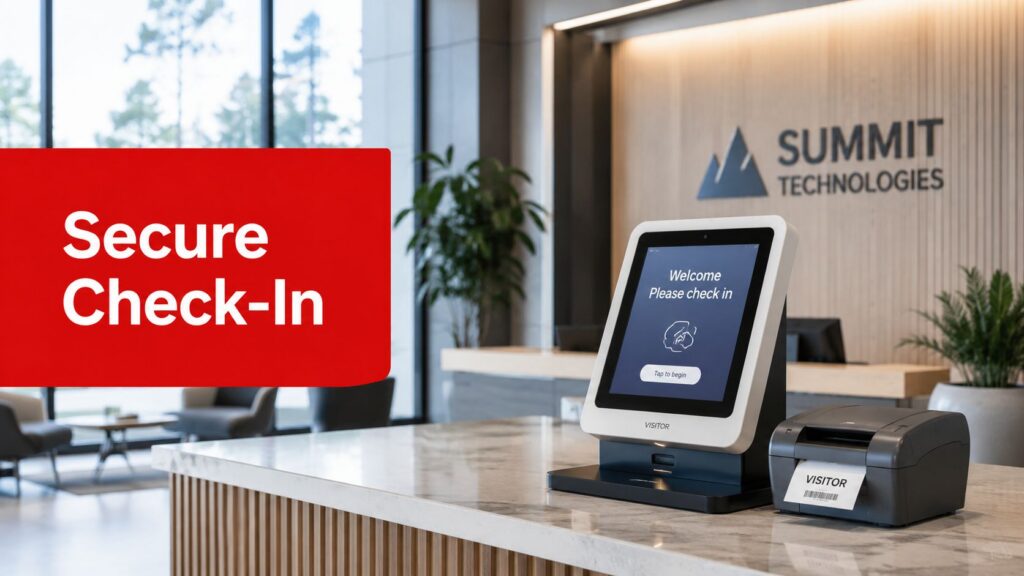
Users interact with a VMS primarily via its front-end devices. That usually means a self-check-in tablet or kiosk at the lobby, leasing office, guard station, or site trailer.
The supporting hardware does the rest of the physical work:
- Kiosks or tablets handle check-in and guide the visitor through each required step.
- Badge printers issue a visible credential, so staff can distinguish approved visitors from people who are present.
- ID scanners capture identity information quickly and consistently.
This setup matters because the system shouldn't rely on a receptionist to remember every step during a busy period. The hardware enforces the process.
The software doing the security work in the background
Behind the reception screen, the software manages the visit lifecycle. It stores records, triggers notifications, applies watchlists, and keeps a searchable history.
According to Oloid's explanation of visitor management systems, integrated hardware and software can reduce manual entry errors by up to 90% and allow instant blacklisting of prohibited individuals. That's a practical security benefit, not just an efficiency gain.
If your team is reviewing identity procedures, HomeProBadge's complete guide is a useful resource for understanding how identity verification fits into a broader access workflow.
The best systems don't just collect visitor data. They decide what happens next based on policy.
The integrations that separate a basic tool from a real security system
A standalone sign-in app may be enough for a small office with low visitor traffic. It usually isn't enough for a multi-tenant property, healthcare facility, school, or industrial site.
That's where integrations matter. A stronger deployment connects the VMS to building access control, tenant directories, incident reporting, and security operations. When a visitor is approved, the system can support temporary credentials. When a visitor is flagged, the alert can move beyond email and into an active response workflow.
For teams evaluating that side of the stack, it helps to understand how visitor tools connect with a broader electronic access control system.
What works and what usually doesn't
The most reliable setups are simple at the point of use and strict in the background. Visitors should understand the process in seconds. Security should be able to review the record in seconds too.
What tends to fail is overcomplication. If a kiosk requires too many steps for low-risk guests, staff start bypassing it. If the scanner is unreliable, people revert to manual entry. If the software isn't tied to actual site policy, the technology becomes a digital clipboard instead of a control point.
Benefits Across Different Property Types
The value of visitor management systems changes by environment. The same platform can solve very different problems depending on whether you manage a corporate lobby, a residential community, or an active industrial site.
Many buying decisions go wrong because teams shop by feature list when they should be shopping by operational need.

Commercial offices and mixed-use properties
In a commercial building, the front desk sets the tone. Tenants want a smooth experience for guests, but they also want control over contractors, vendors, interview candidates, and after-hours visitors.
One of the most useful features in that setting is automatic host notification. Modern systems can notify hosts through SMS, email, and Slack the moment a visitor checks in, which removes the lag and uncertainty of manual calls, as described in FacilityOS's overview of visitor management features.
That creates several practical wins:
- Tenant convenience: Guests aren't left waiting while the front desk tracks someone down.
- Clear accountability: The host knows the visitor has arrived and can respond promptly.
- Better after-hours control: Security can see who checked in, who they're meeting, and whether the visit still appears active.
Residential communities and HOAs
For apartment communities, gated neighborhoods, and luxury high-rises, the goal is different. Residents want security, but they don't want the property to feel hostile.
A digital visitor workflow helps property teams manage:
- Service vendors: Housekeeping, movers, pet services, and maintenance contractors.
- Recurring guests: Family caregivers, tutors, or regular support staff.
- Package and delivery traffic: Especially in buildings with high lobby volume.
- Amenity access: When clubs, pools, and shared spaces need tighter oversight.
A well-run system gives managers a dependable guest record without turning everyday arrivals into friction points.
In residential settings, the best process is the one residents actually use. If the system is too rigid for normal guest traffic, people will route around it.
Construction sites and industrial properties
These sites have a different risk profile. The issue isn't only guest convenience. It's controlling entry to places with valuable tools, equipment, restricted zones, and active safety hazards.
For construction superintendents and warehouse managers, a VMS helps with:
| Property type | Operational gain |
|---|---|
| Construction sites | Cleaner contractor check-in, visitor records, and more controlled entry to active work areas |
| Warehouses | Better control over vendors, drivers, and non-employee arrivals |
| Industrial yards | More consistent tracking of who entered the property and when |
On these sites, the strongest systems usually support pre-registration, clear badging, and a process that can be enforced at the gate, trailer, or security post. A polished lobby experience matters less than a workflow people can follow reliably at the start of a shift.
Navigating Compliance and Visitor Data Privacy
Some property teams hesitate to adopt visitor management systems because they worry about privacy. That concern is reasonable. Any system that collects visitor information has to be handled carefully.
The answer isn't to avoid digital records. It's to manage them correctly.
Why digital records often lower compliance risk
A paper logbook feels simple, but it creates its own problems. It can expose one visitor's information to the next person signing in. It doesn't provide controlled access to records. It also makes retention and review inconsistent.
A properly configured VMS is usually a better compliance tool because it creates structured, searchable, and restricted records. It also supports a clearer audit trail when a property needs to document who entered a site and under what authorization.
According to Future Market Insights' visitor management system market report, organizations implementing a VMS can see a 40% reduction in access control compliance violations, in part because the system supports the audit trails needed for regulations such as GDPR and CCPA.
What responsible visitor data handling looks like
The strongest deployments are disciplined about data use. They only collect what the site needs, apply access permissions internally, and define retention practices before launch.
For most properties, that means focusing on a few basics:
- Purpose limitation: Collect visitor information that serves a real operational or security need.
- Controlled access: Limit who can view records, edit them, or export them.
- Consistent retention: Keep records according to policy, then dispose of them appropriately.
- Documented response procedures: Know who reviews an alert, who handles a record request, and who owns the workflow.
Compliance is tied to monitoring, not just collection
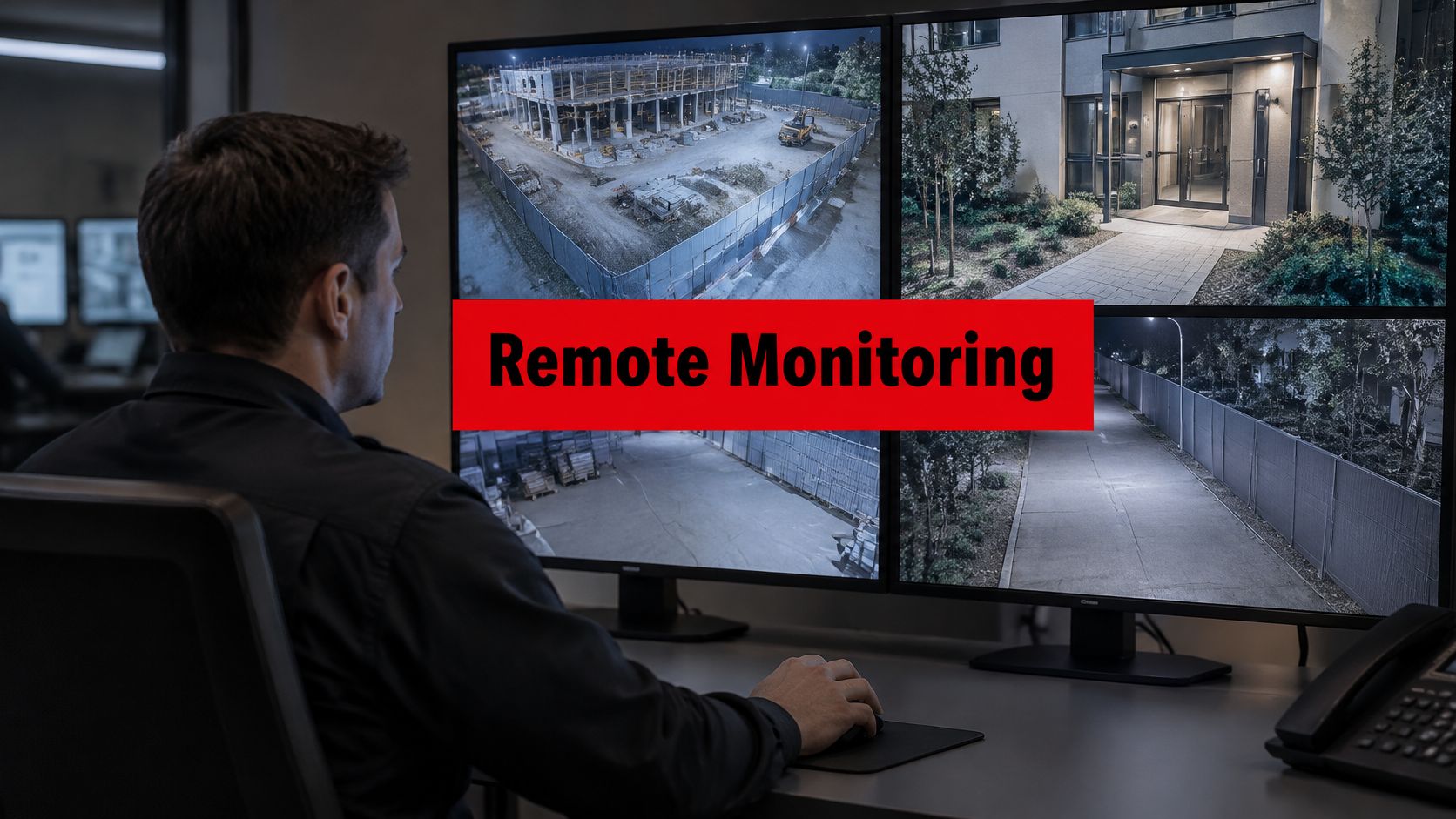
A visitor record is only useful if someone can act on it when needed. That's why compliance and monitoring are connected. If an alert is generated, if a host doesn't respond, or if a visitor remains active in the system after hours, the property needs a review process.
That's where broader security monitoring practices matter. A VMS should feed into site oversight, not sit in isolation as an administrative tool.
Good visitor privacy practice is straightforward. Collect the right information, protect it, limit access to it, and make sure the record supports a legitimate business and security purpose.
Bridging Technology and Onsite Security with VMS Integration
Most discussions about visitor management systems stop too early. They explain check-in screens, badge printing, and host notifications, but they skip the operational question that matters most on higher-risk properties.
What happens when the system detects a problem?

Why software alone has limits
A major gap in VMS guidance is the lack of practical direction on how to connect digital visitor records with physical response. That gap matters because 68% of facility directors report that technology alone cannot prevent incidents without onsite deterrence, according to Real Time Networks' visitor management best practices article.
That aligns with what experienced property teams already know. Software can flag a watchlist match, record an unauthorized attempt, or show that someone entered and never checked out. But software does not walk the property, intercept a person at a gate, or investigate suspicious activity in a shared parking structure.
What a closed-loop response looks like
A strong security model treats the VMS as the trigger point, not the entire solution. Once the system identifies an issue, the response should move through a clear chain.
That chain often looks like this:
- The system detects an exception. A visitor appears on a watchlist, enters through the wrong workflow, or attempts access outside approved parameters.
- An alert goes to the right people. That may include onsite staff, lobby personnel, or a security operations function.
- The event is verified. Teams check the visitor details, site context, and any related camera or access information.
- A human response is assigned. An onsite officer, mobile patrol unit, or supervisor is directed to the location.
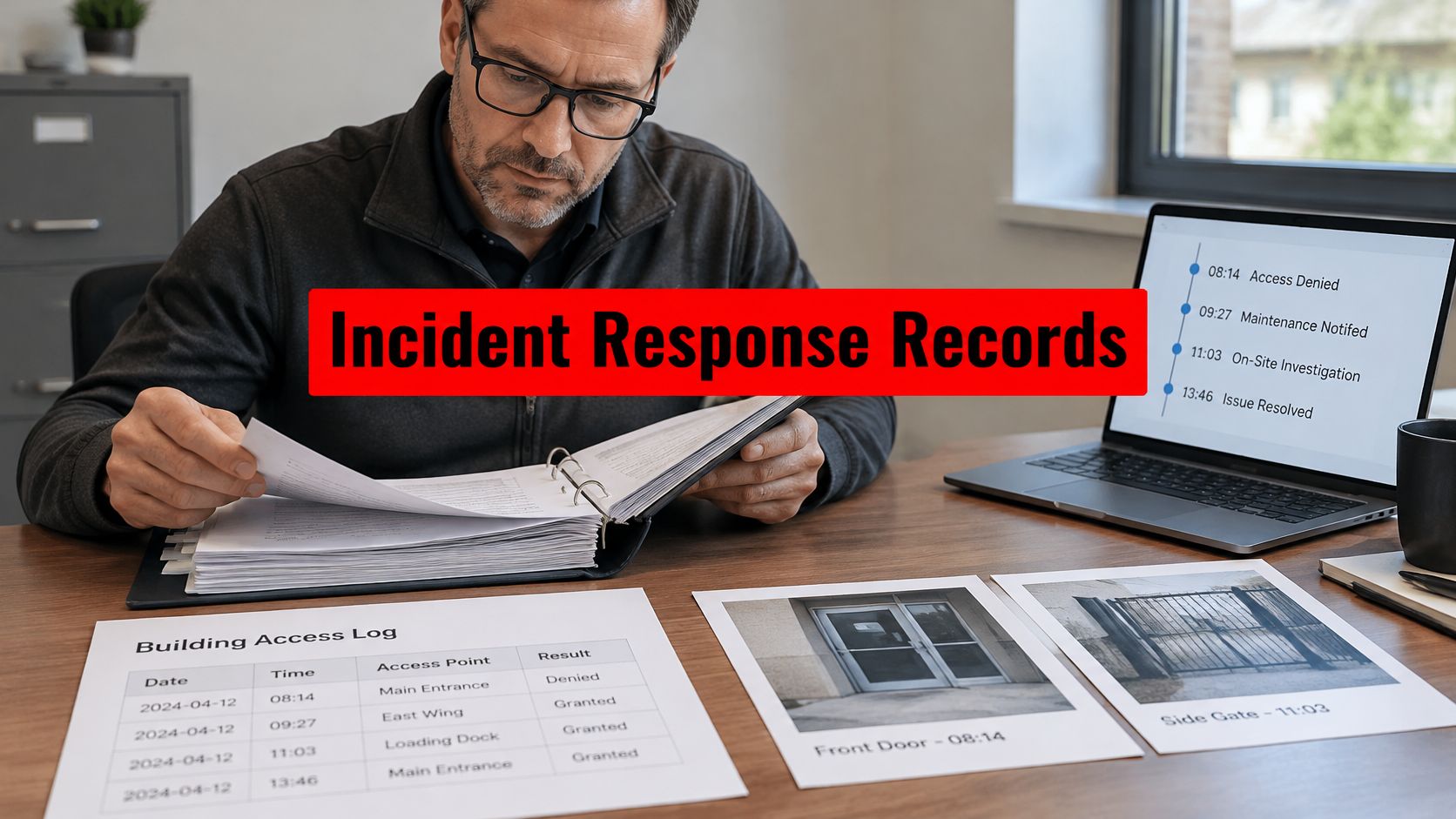
- The incident is documented and closed. The record is updated so management can review what happened and whether policy needs adjustment.
This is the difference between a passive system and an operational one.
Where patrols and SOC oversight fit in
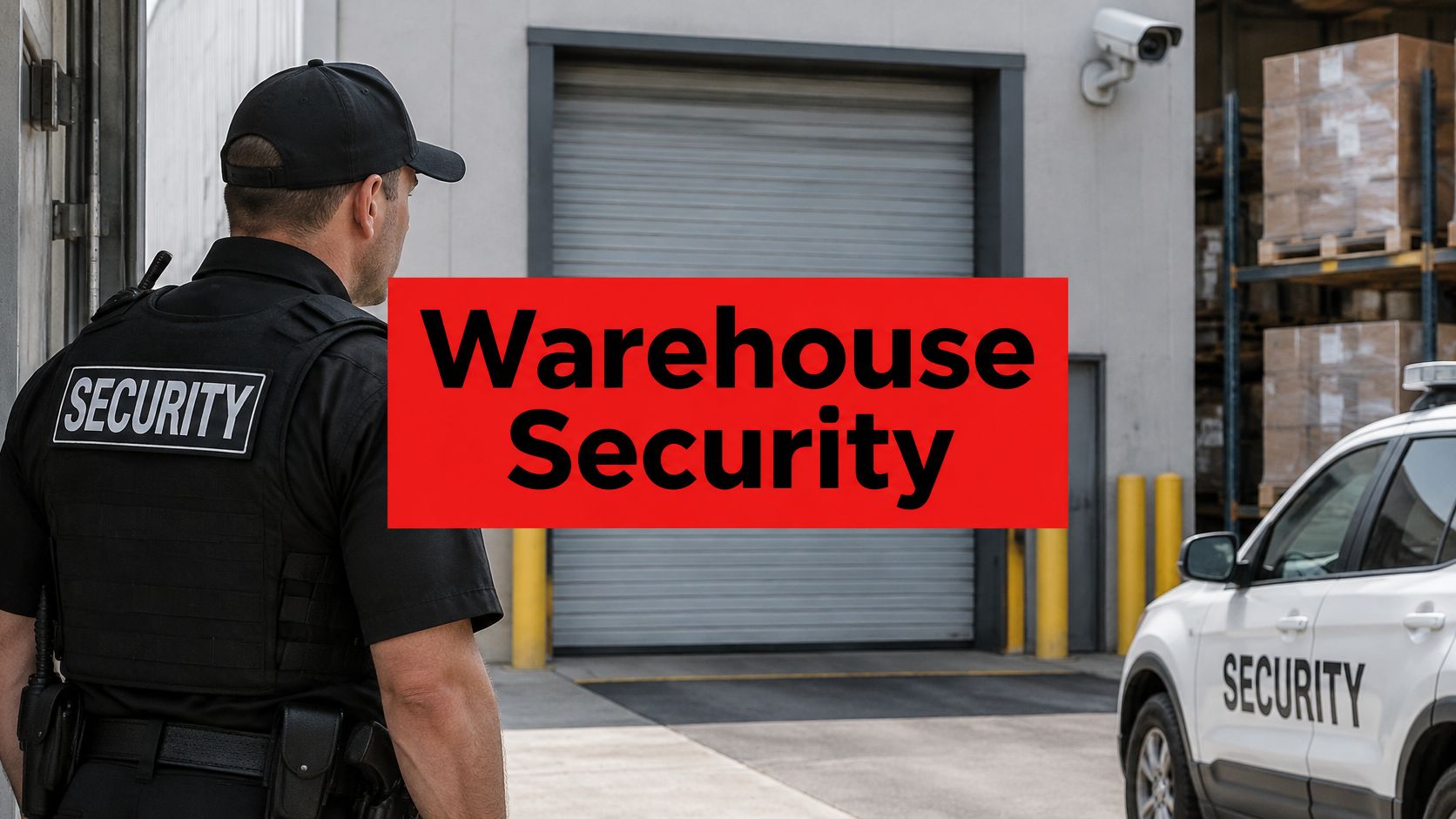
For commercial portfolios, mixed-use developments, industrial yards, and construction sites, the most practical model is hybrid. The VMS handles intake, screening, and documentation. People handle assessment, deterrence, and intervention.
That's especially important when a property doesn't have a guard posted at every entry point. A central operations function can receive the alert, review the event, and route it to the appropriate field resource. Mobile patrol officers can then respond using location-aware dispatch and established post orders.
Properties evaluating that kind of hybrid setup should look closely at the integration of security systems so visitor workflows, access control, reporting, and response don't operate in separate silos.
A watchlist alert that only sends an email isn't a finished security plan. It's the start of one.
Where this matters most
This integrated model is especially useful in environments where responsibility is split. Think of a multi-tenant tower in San Francisco where tenants manage their own guest lists, but the property team still owns the lobby and common areas. Or a logistics site in Fresno where drivers, vendors, and contractors all arrive through different gates. Or a construction yard in Long Beach where after-hours traffic needs both digital records and visible patrol deterrence.
In those settings, a visitor management system becomes far more valuable when it's tied to people who can act on the information in real time.
A Practical Checklist for VMS Implementation
Rolling out visitor management systems doesn't need to become a long, disruptive project. The cleanest deployments start with policy, match the system to the property's actual traffic patterns, and train people before going live.
The biggest mistake is buying software first and figuring out the workflow later.

Use this rollout checklist
- Define the visitor categories first. Separate guests, contractors, vendors, interview candidates, delivery drivers, and recurring service providers. Each may need a different check-in rule.
- Map actual entry points. Don't design the system only for the main lobby. Include side entrances, loading docks, parking access points, gates, and temporary site offices.
- Choose hardware for the actual environment. A polished office reception may need a tablet and badge printer. A construction trailer or warehouse gate may need a simpler, more rugged setup.
- Set host notification rules carefully. Decide who gets alerted, through which channel, and what happens if there's no response.
- Write the exception process. Define what staff should do when an ID can't be verified, a visitor arrives without approval, or someone attempts entry outside the approved workflow.
- Train both front desk and security staff. Reception teams need to know how to process visitors. Security teams need to know how to handle exceptions, overrides, and after-hours activity.
- Pilot before full deployment. Start at one building, entrance, or tenant zone. Fix friction points before rolling it across the portfolio.
- Review records after launch. The first few weeks usually reveal where visitors bypass the process or where notifications need adjustment.
Keep the workflow human-friendly
The best rollout is firm without being clumsy. Visitors should know what to do quickly. Tenants and staff should understand why the process exists. Security should have a clear rule set for exceptions.
A complete workflow generally includes pre-registration, arrival check-in, host notification, temporary credential issuance, and check-out. If one of those steps is weak, the full record becomes less dependable.
Think beyond the lobby
For higher-risk properties, implementation should include response planning from day one. If the system flags a concern, who reviews it? Who gets dispatched? Who writes the incident follow-up? Those answers should be built into the rollout, not added after the first problem.
A good visitor system improves order at the front door. A well-implemented one improves security across the property.
If you're evaluating visitor management systems for a commercial building, HOA, residential community, construction site, or multi-site portfolio in California, Overton Security can help you align the technology with real-world security operations. With 26 years of experience, hands-on leadership, GPS-enabled patrols, digital reporting, and 24/7 SOC oversight, Overton focuses on the part many vendors miss. Turning visitor data into a practical, accountable response plan.