The first sign of trouble in a property portfolio is often not a dramatic breach. It's a dead zone in the camera view, a side gate left propped open, a tenant reporting a door forced overnight, or a guard finding damage long after the people responsible are gone. For property managers, that lag between event and discovery is where losses grow, questions multiply, and confidence drops.
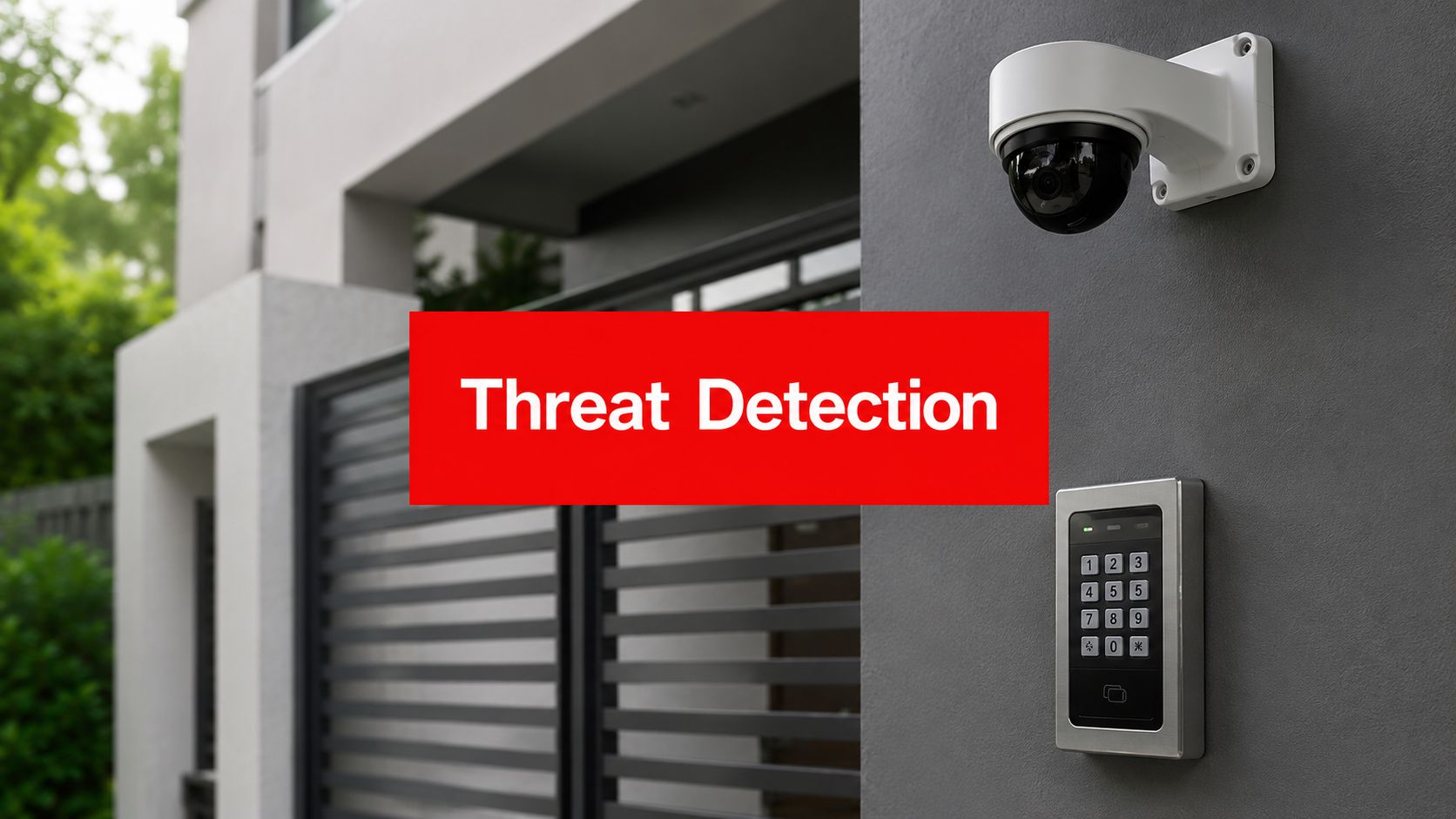
Threat detection and response closes that gap. In a modern property setting, it combines cameras, access control, alarms, patrol verification, and a security operations center that turns raw activity into a real decision, who needs to be dispatched, what needs to be checked, and what needs to be contained. The same discipline that helps cyber teams stop attackers faster also maps cleanly to physical security, especially when guards, patrols, and monitoring teams work from the same picture.
Why Property Managers Need Threat Detection and Response
A property manager rarely gets the luxury of a clean incident timeline. The complaint comes from a tenant, the repair bill lands later, and the cameras only tell part of the story. By then, the question isn't whether something happened, it's how long it was happening before anyone noticed.
That's why threat detection and response matters in property operations. Microsoft says it detects roughly 600 million cyberattacks every day, which works out to more than 6,900 attacks per second across its ecosystem, and SANS's 2025 Detection and Response Survey found EDR is now used by 89% of respondents, up from 82% the year before, with 40% responding within minutes, 38% within hours, and only 3% near-instantly, while 54% use at least some automated response IBM threat detection and response overview. The scale tells you why reactive guarding alone doesn't hold up anymore.
Practical rule: if your team only learns about an incident after someone calls the office, the property is already operating on delay.
For property managers, the win is straightforward. Faster detection means less time for an intruder to move through a garage, a construction yard, a lobby, or a service corridor. It also means better documentation for owners, boards, tenants, insurers, and internal audits, because the response is logged as it happens instead of reconstructed from memory.
The strongest programs don't treat detection as a separate cyber function. They connect cameras, access control, alarms, patrols, and monitoring into one operating rhythm. That gives onsite guards more context, gives managers better accountability, and helps security decisions happen while there's still something to stop.
Core Components of a Threat Detection and Response System

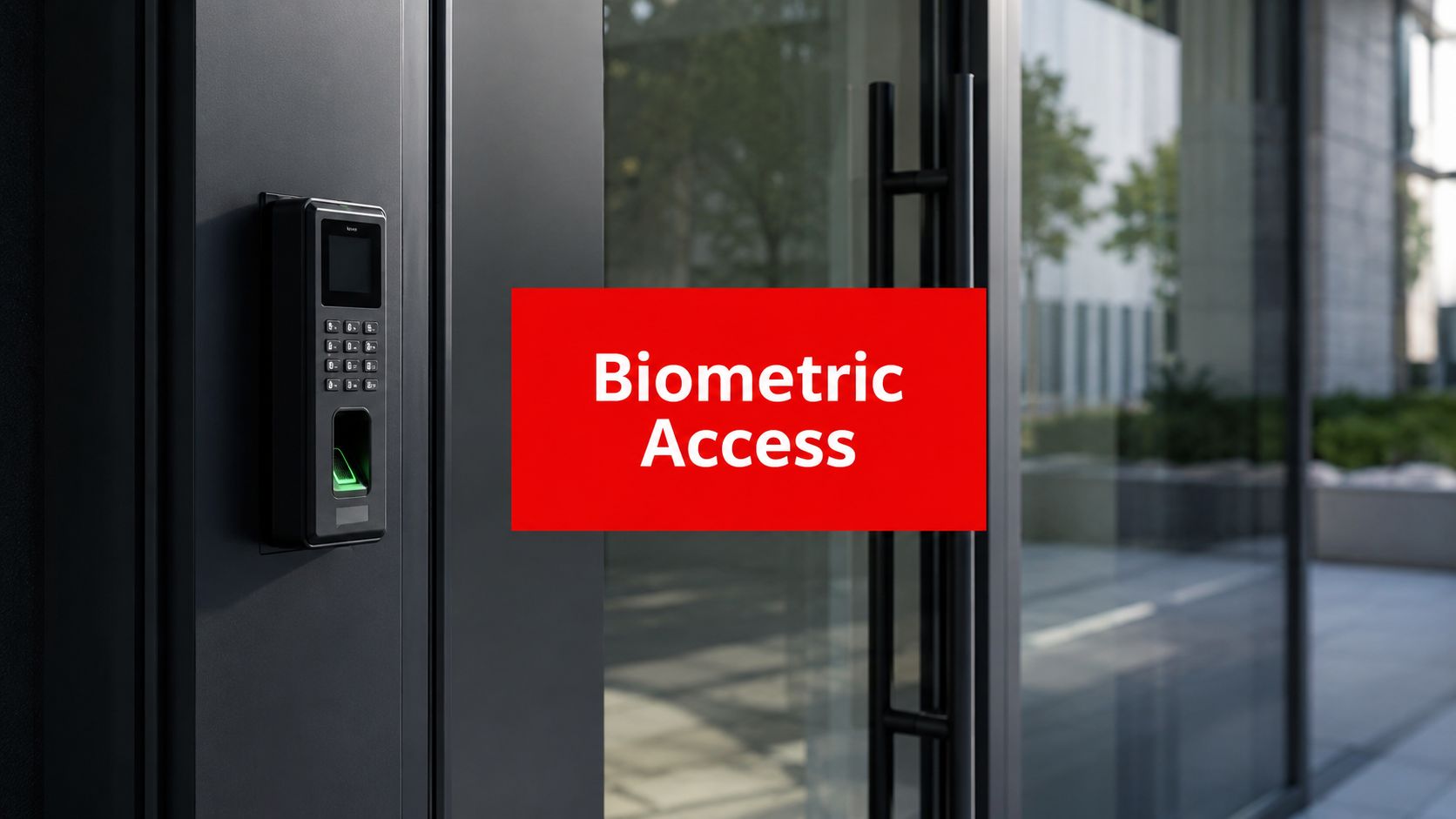
A workable system starts with telemetry, which is the practical answer to a simple question, what can we see? In property security, that includes cameras, access control logs, motion sensors, gate activity, patrol checkpoints, and incident notes from officers in the field. In cyber operations, the same logic applies across endpoints, identities, cloud services, and networks, because detection only works when the team has enough visibility to spot something unusual before it becomes a bigger problem Microsoft threat detection and response lifecycle.
Sensors and data collection
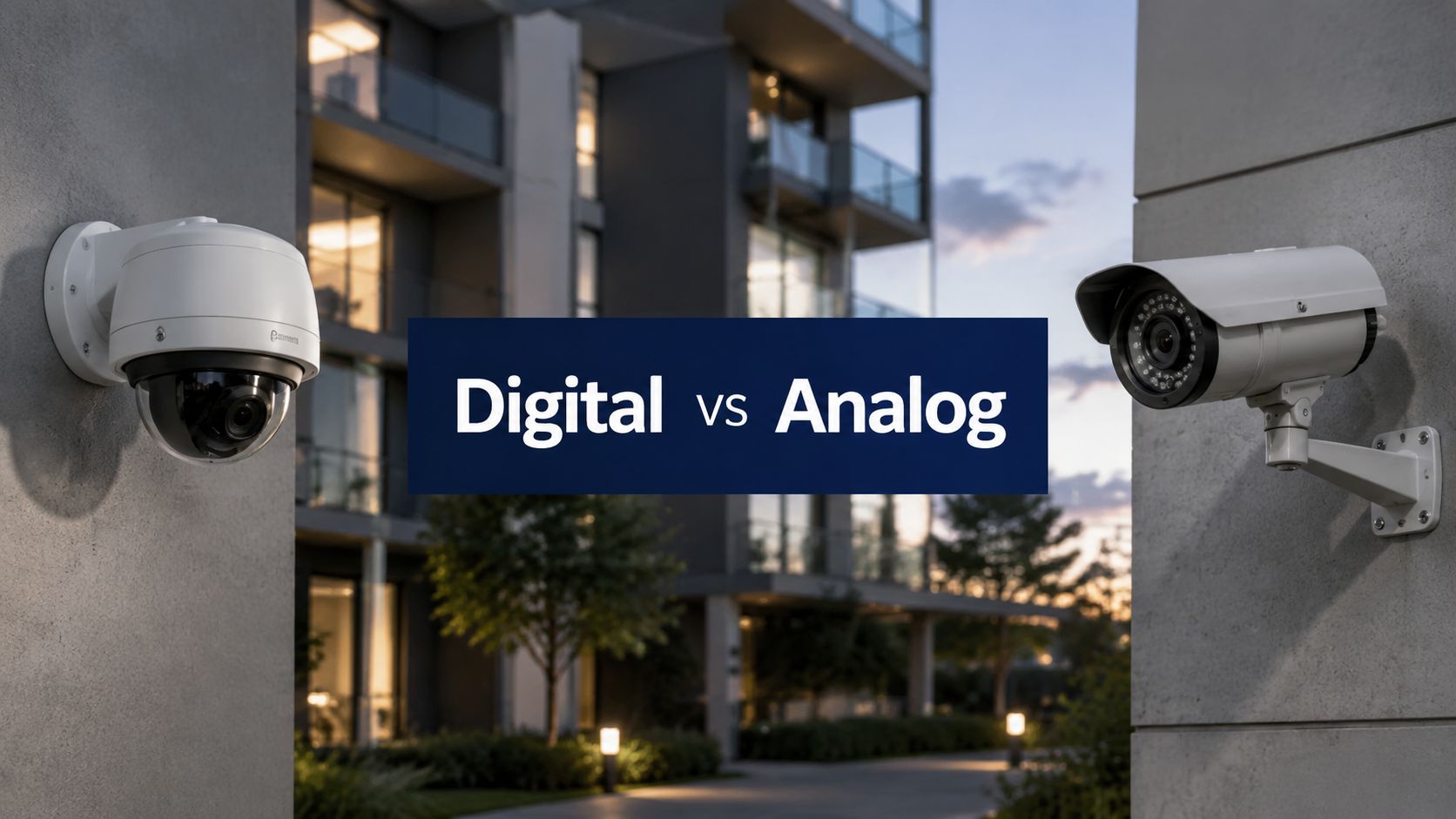
The first job is collecting signals that mean something. A camera only helps if it covers the right angle, an access reader only helps if someone reviews the logs, and a patrol system only helps if the officer's route gets recorded at the checkpoint. In a property setting, that means coverage has to match the risk, garage entrances, loading docks, stairwells, and service corridors matter far more than a generic count of devices.
Analytics and alerting
Raw data does not help much if nobody can separate noise from a real event. Analytics turn motion, badge use, or an alarm trigger into an alert that is specific enough to act on. The goal is not to fill the desk with notifications, it is to surface the events that deserve eyes on the screen, a radio call, or a dispatch.
Security operations center and playbooks
The SOC is the coordination point, the place where alerts get triaged and the right action gets pushed to the field. Cribl's summary of the incident lifecycle maps well to Preparation, Detection and Analysis, Containment, Eradication, and Recovery, and Post-Incident Activity Cribl incident response lifecycle. Microsoft's lifecycle also follows the same operational flow, from detection through investigation and containment to recovery, which is the sequence managers should expect when the alert is real and the response needs to move fast.
A practical platform to evaluate against those needs is the Overton Security analytics platform, especially if you are trying to connect patrol visibility with real-time monitoring. The main question is not whether you have tools, it is whether those tools create a response path a guard can follow without guessing.
The same thinking applies in the field. A guard who gets a clean alert tied to a specific gate, stairwell, or loading dock can move with purpose instead of searching the whole property, and that matters when a false alarm still needs to be verified or a real intrusion is already underway. The FenceScape gate guide is a useful reminder that physical access points need the same level of planning as the digital alerts around them.
Practical rule: if a signal cannot turn into a containment action, it is just noise with a timestamp.
Integrating Digital Detection with Onsite Security Operations
Technology doesn't replace a good guard team, it makes the team more effective. A patrol officer who gets a live alert to the correct loading dock, stairwell, or parking row can move with purpose instead of searching blind. That matters in mixed-use properties, garages, and construction sites where minutes spent looking around can mean missed evidence or a second entry point.
A practical integration model starts with the SOC alerting the onsite officer, then continues with the officer verifying what's happening. GPS-enabled guard tour management feeds patrol data back into the loop, so dispatch can see whether a checkpoint was hit, skipped, or delayed. Digital daily activity reports then preserve the trail, which helps when a manager needs to answer what happened, when, and who responded.
The monitoring side also supports the field side when cameras are used as a live guide. A remote operator can direct a guard to a specific hallway, gate, or stairwell rather than asking for a general sweep. That reduces wasted time and helps prevent escalation, especially when the original alert turns out to be a false alarm or a minor issue that still needs documentation.

Property teams sometimes worry that more alerts will only create fatigue. That risk is real when systems are poorly tuned, but it's avoidable when escalation paths are clear and only actionable events reach the field. The same idea comes through in the practical gate and perimeter guidance in the FenceScape gate guide, where access control is treated as part of an operational workflow rather than a standalone device.
The useful standard is simple. If the alert helps a guard verify, contain, or report faster, it belongs in the workflow. If it only creates more inbox clutter, it's a tuning problem, not a technology win.
The security monitoring overview is a useful reference for teams thinking about how alarms, cameras, and human review work together in practice. Onsite officers should never be operating without context when the monitoring stack can provide it.
Common Threats by Property Type and How to Detect Them
Residential communities, retail centers, construction sites, office buildings, and mixed-use portfolios don't face the same day-to-day pattern. A garage loitering issue in an apartment community looks different from after-hours entry at a shopping center or tool loss on a job site. The best detection plans reflect those differences instead of forcing one generic setup across every location.
Residential communities
In apartment and HOA settings, the common problems are unauthorized vehicle access, package theft, tailgating, and lobby or garage loitering. Camera coverage on entrances, gates, package rooms, and parking areas matters most here, along with guard patrols that can verify access points and report repeated patterns. Response usually means confronting the access issue, documenting identities or vehicles, and coordinating with property staff before the behavior becomes routine.
Retail centers and office buildings
Retail sites usually care about after-hours break-ins, loitering, and suspicious vehicle activity around loading areas. Office properties often need closer attention on entry control, tenant floors, and garage access, especially when shared space makes it harder to separate authorized from unauthorized movement. The response path is strongest when the monitoring team can immediately alert onsite officers and preserve clips or access logs for review.
Construction sites and mixed-use portfolios
Construction sites are vulnerable to equipment theft, copper wire theft, and vandalism because the value is visible and often left behind overnight. Mixed-use properties add complexity, because retail, residential, parking, and service functions overlap in the same footprint. That means detection has to pull together camera views, gate activity, patrol logs, and incident history so a manager can see the whole picture instead of isolated events.
| Property Type | Top Threats | Detection Methods | Response Actions |
|---|---|---|---|
| Residential communities | Package theft, unauthorized vehicle access, tailgating | Gate cameras, lobby cameras, access logs, patrol verification | Dispatch guard, document vehicle or person, notify management |
| Retail centers | After-hours break-ins, loitering, suspicious vehicles | Exterior cameras, alarm monitoring, parking lot patrols | Verify alarm source, guide patrol, preserve evidence |
| Construction sites | Equipment theft, copper wire theft, vandalism | Perimeter cameras, after-hours patrols, access control checks | Immediate site sweep, incident logging, asset reconciliation |
| Office buildings | Unauthorized entry, garage access issues, floor access misuse | Entry readers, elevator logs, live monitoring | Lock down access point, notify tenant contact, review logs |
| Mixed-use portfolios | Cross-zone movement, service area misuse, repeated trespass | Integrated camera views, patrol data, SOC correlation | Correlate activity, prioritize response by zone, escalate by risk |
A calm case pattern shows why this matters. A guard who spots a pickup lingering near a fenced work yard and a monitoring operator who sees matching activity on camera can act before tools disappear. The same logic applies to a residential garage or a retail service corridor, where the response has to be fast enough to matter and documented enough to stand up later.
Implementation Checklist for Property Security Programs
A strong program doesn't start with software shopping. It starts with a walk-through and a hard look at what's visible, what's not, and who's responsible when something happens. That's how you move from scattered assets to a system that functions effectively under pressure.

Map the site risks. Start with entrances, exits, garage levels, yards, loading areas, and tenant-sensitive zones. You want a property-specific risk picture, not a generic checklist.
Audit the current tools. Cameras, gates, alarms, readers, and patrol procedures should be reviewed together. Success looks like knowing exactly what each tool covers and what it misses.
Find visibility gaps. Blind corners, poor lighting, dead cameras, and unmonitored side access all matter. These gaps are where incidents tend to stay hidden.
Set escalation rules. Decide who gets called, in what order, and when the site needs a guard dispatch versus a management notification.
Define communication chains. The officer, supervisor, SOC operator, and property manager should each know their role. Delays happen when nobody knows who owns the next step.
Build playbooks. Common scenarios, like gate tampering, package theft, or alarm activation, should already have a response path.
Configure checkpoint verification. NFC checkpoint systems make patrols measurable, not assumed. The goal is proof that the route was completed.
Tune monitoring thresholds. Alerts should reflect your property's actual risk profile, not every minor movement.
Train onsite officers. A good system fails if the field team doesn't know how to use it. Training needs to match the site layout and likely incidents.
Review after incidents. Each event should improve the next response. That's how the program gets sharper over time.
The emergency response guide is a practical reference point for teams building those playbooks. The more clearly your officers can act in the first five minutes, the less room there is for confusion later.
Procurement Options and Cost Considerations
Property managers usually face three paths. They can build an internal monitoring function, partner with a security provider that includes SOC oversight, or use a third-party managed monitoring service. The right answer depends on site size, risk level, and how many moving parts the portfolio has.
An in-house build gives the most direct control, but it also demands staffing, training, and consistent supervision. Managed options reduce the burden on the property team, especially when coverage is needed outside business hours or across multiple sites. That's often where the cost conversation starts, because the expensive part isn't just the camera or software license, it's the human ability to review, verify, and respond when alerts come in.
Overton Security is one example of a provider that combines onsite guards, patrols, remote monitoring, and SOC support in one operating model. That kind of structure can make sense when a property needs both field presence and real-time oversight, especially if the team wants one chain of accountability instead of several separate vendors.
If you're comparing different technology stacks, it helps to look at tools beyond security alone. The explore telematics options resource from Fleetalyse is useful context for thinking about vehicle tracking and route visibility, which are relevant when patrol performance needs to be verified in the field.
Practical rule: spend for the response you can staff, not just for the alert you can generate.
The main procurement mistake is overbuying sensors and underbuying the people and processes that turn alerts into action. A property can have excellent cameras and still fail if no one is watching, no one is dispatching, and no one is documenting the incident cleanly. Procurement should always ask one question first, “What happens after the alert?”
Measuring Success with Security KPIs and Response Metrics
A property program should be judged by what it catches, how fast it responds, and how well it documents the outcome. The most useful measures are mean time to detect, mean time to respond, alert-to-incident ratio, patrol compliance, and incident resolution rate. Those metrics tell you whether the operation is improving or just producing more activity.

A good baseline starts with what the site is already doing. If patrols are inconsistent, the first win is compliance. If alerts are noisy, the first win is better tuning. If incidents are documented poorly, the first win is a cleaner reporting process that shows what happened, who responded, and what got resolved.
The managed IT security vs in-house SOC analysis is a useful lens for owners and managers weighing whether to operate monitoring internally or use a managed model. Even in physical security, the same operational question applies, who has the hours, the expertise, and the coverage to act when something fires?
Regular reporting matters because it creates accountability across the whole operation. Digital daily activity reports, incident summaries, and SOC dashboards let owners and managers see patterns instead of isolated events. If you can show that detection is improving and response is getting cleaner, you've got a program worth defending at budget time.
Overton Security helps property managers connect onsite guards, mobile patrols, and remote monitoring into one practical response model. If you need a security partner that can support detection, dispatch, patrol verification, and incident reporting across a commercial, residential, or mixed-use site, visit Overton Security to review service options and request a conversation about your property.